Blender Low Poly Landscapes: Model Your Own Stylized Landscapes!
Create a low poly landscape from start to finish.
//
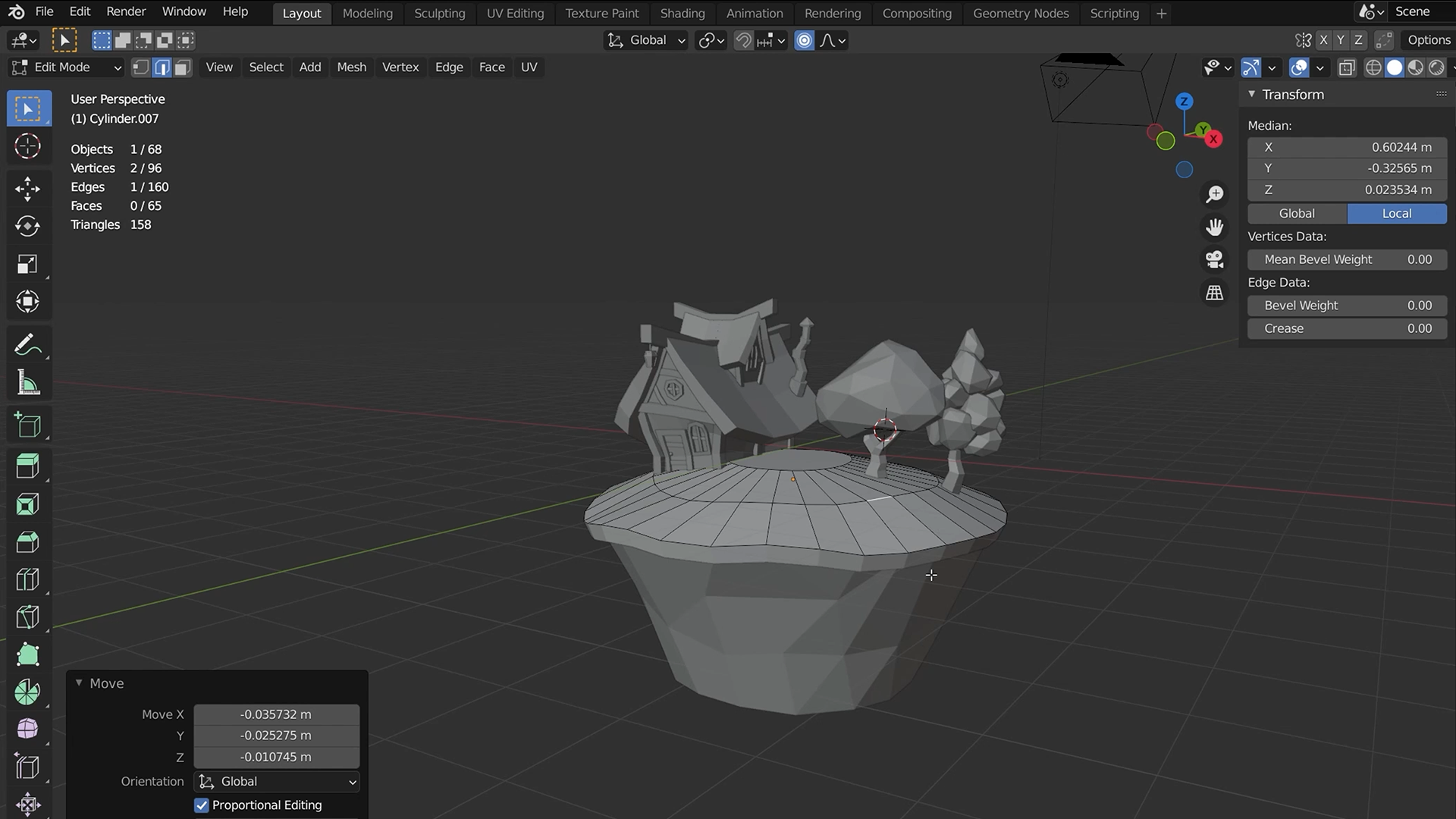
Build a Landscape, Not Just a Level.
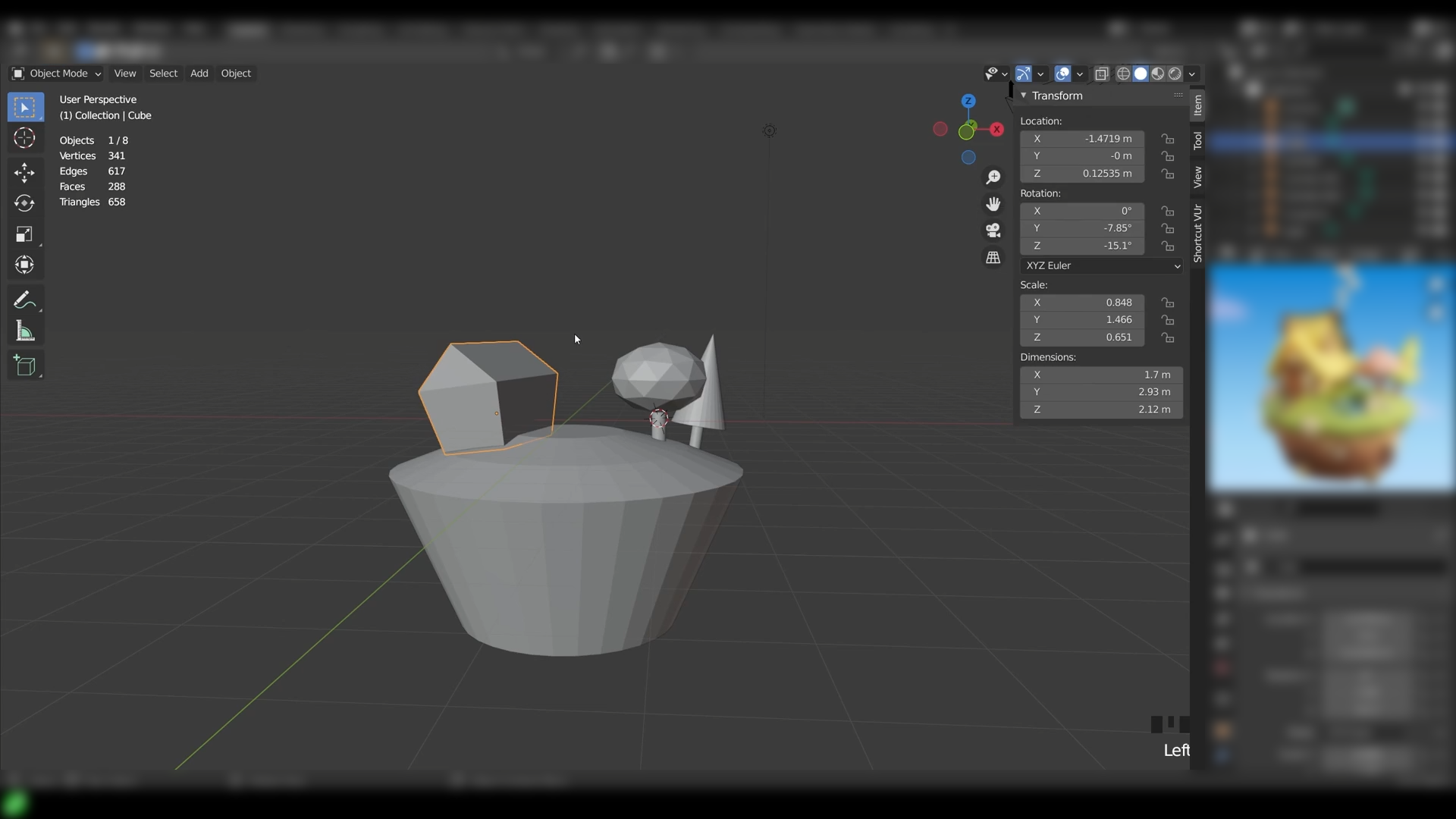
You can place assets in a scene. A landscape is a different job. This course walks you from Blender's core menus and meshes into building a full low poly environment, ponds, trees, houses and all. You'll pick up the modelling fundamentals as you go, so nothing here assumes you've built a scene like this before.
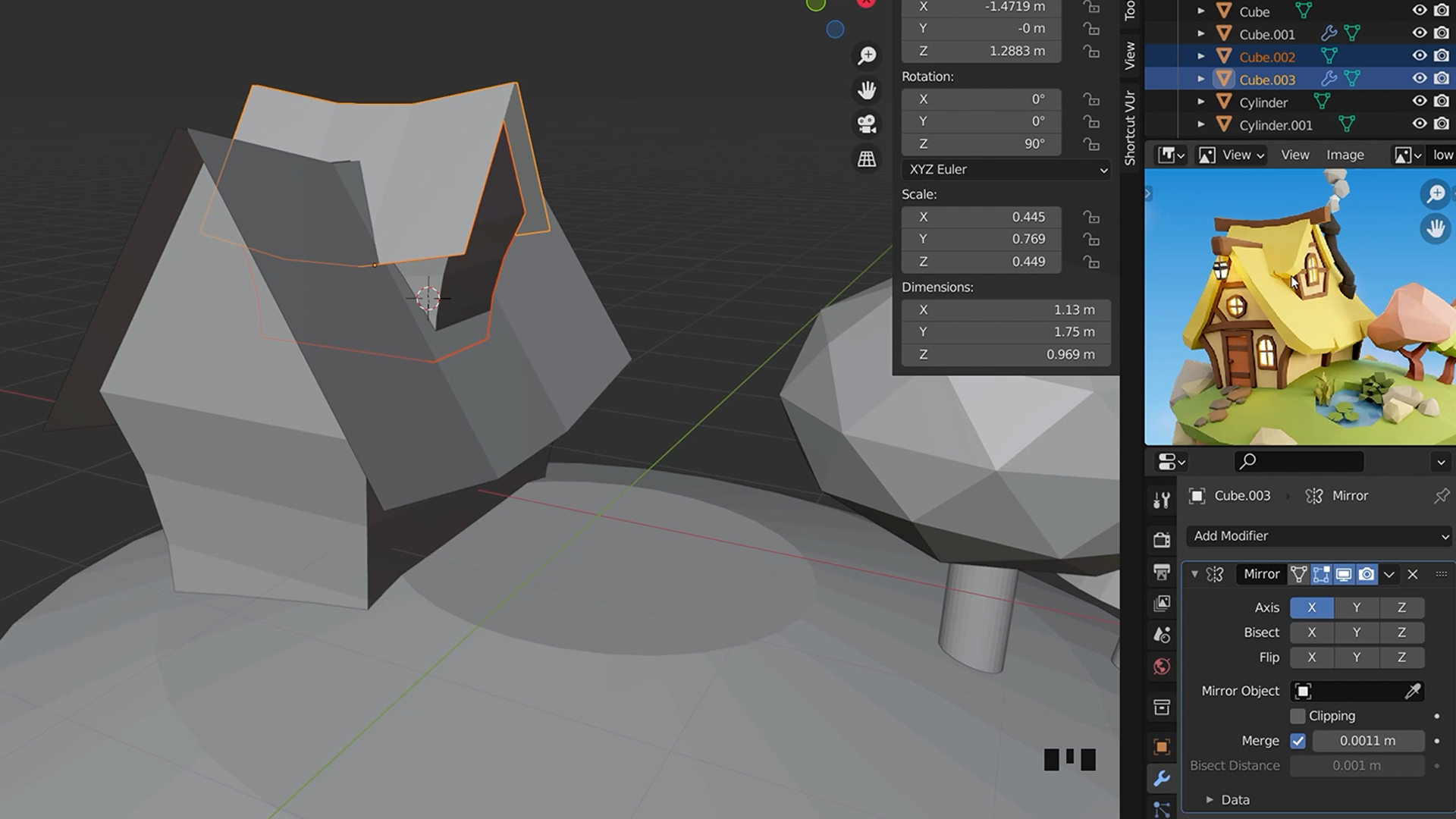
Shape Terrain With Blender's Power Tools.
Loop cuts and mirror modifiers do the heavy lifting for you. You'll use them to shape terrain and repeat details across your scene without modelling everything by hand twice over. Nobody looking at the finished landscape needs to know how many shortcuts got you there.
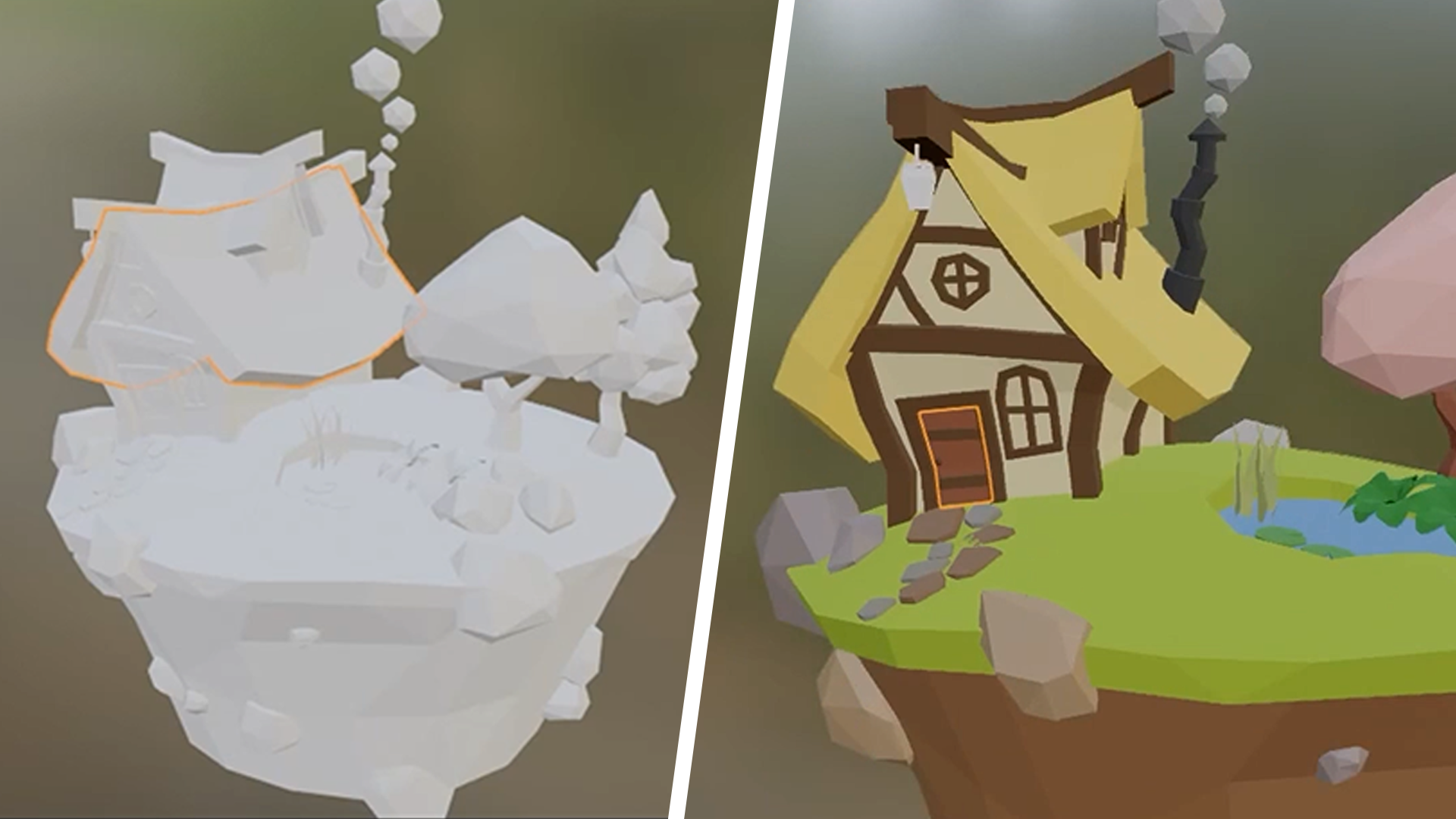
Colour a Scene With More Than One Material.
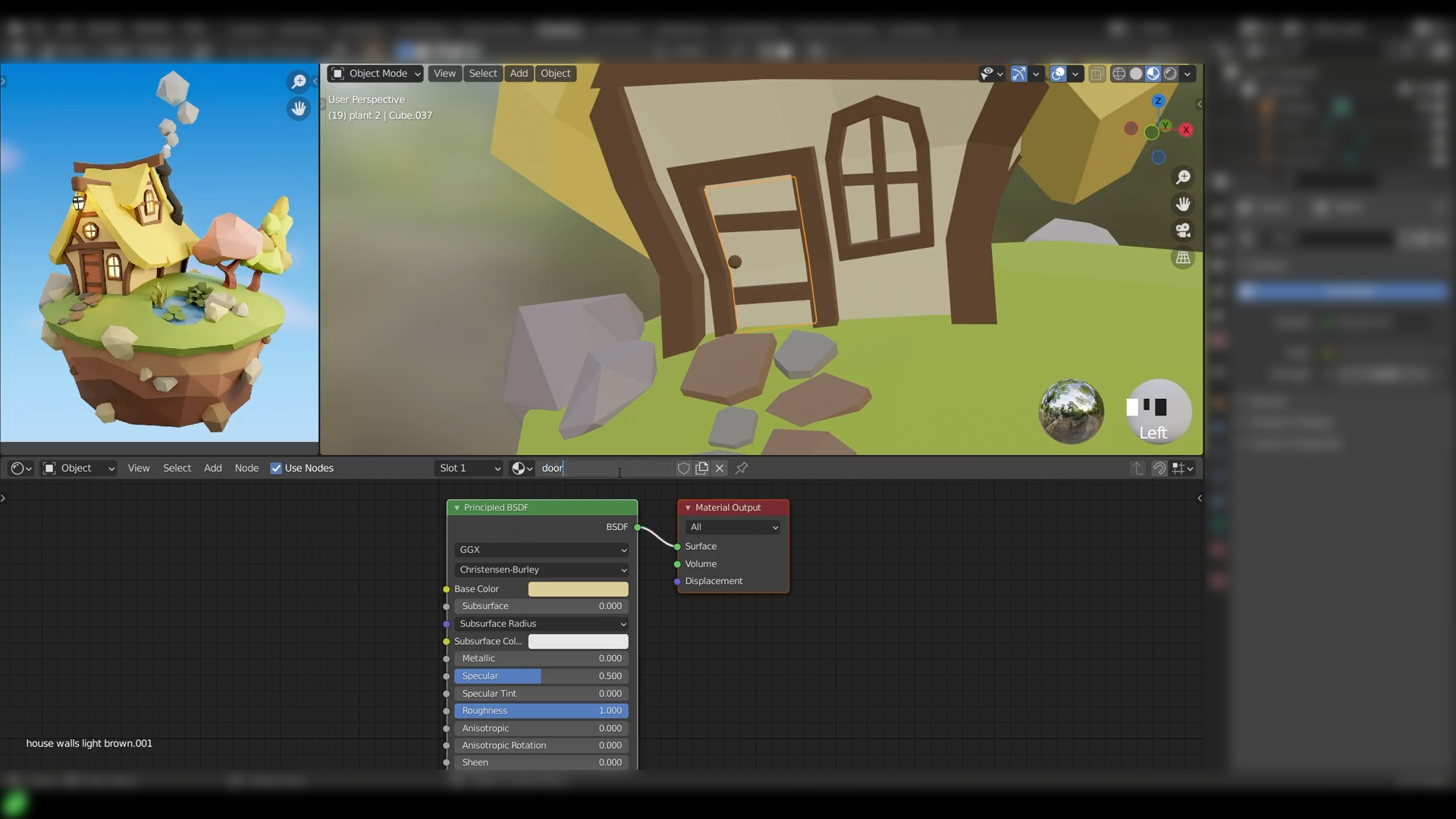
A grey landscape isn't a finished one. You'll apply multiple materials across your scene, giving ponds, trees and houses their own distinct look, and start developing the kind of low poly colour sense you'll carry into your next project. This is where the scene stops looking like blockout and starts looking like somewhere.
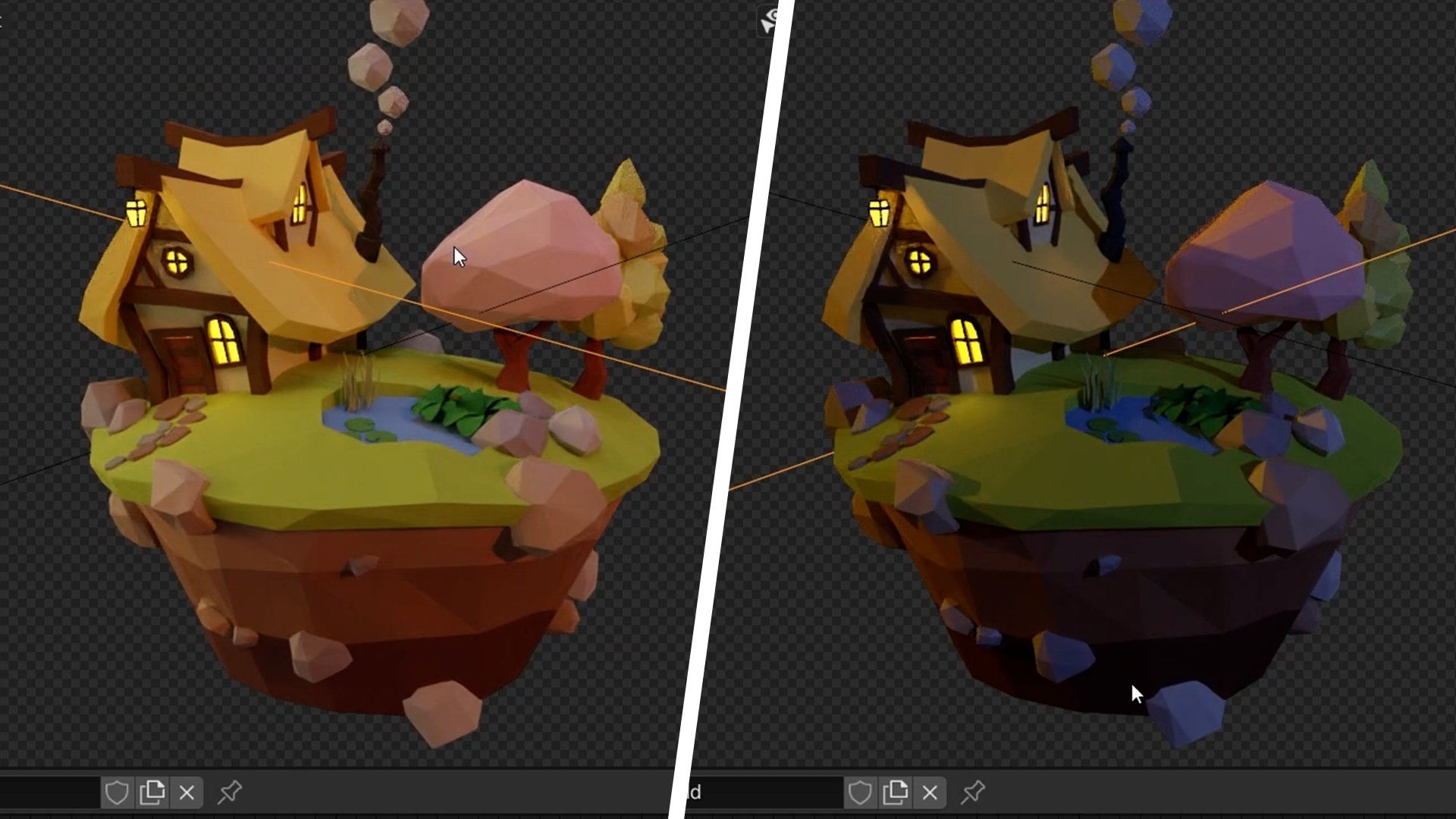
Light Your World to Set the Mood.
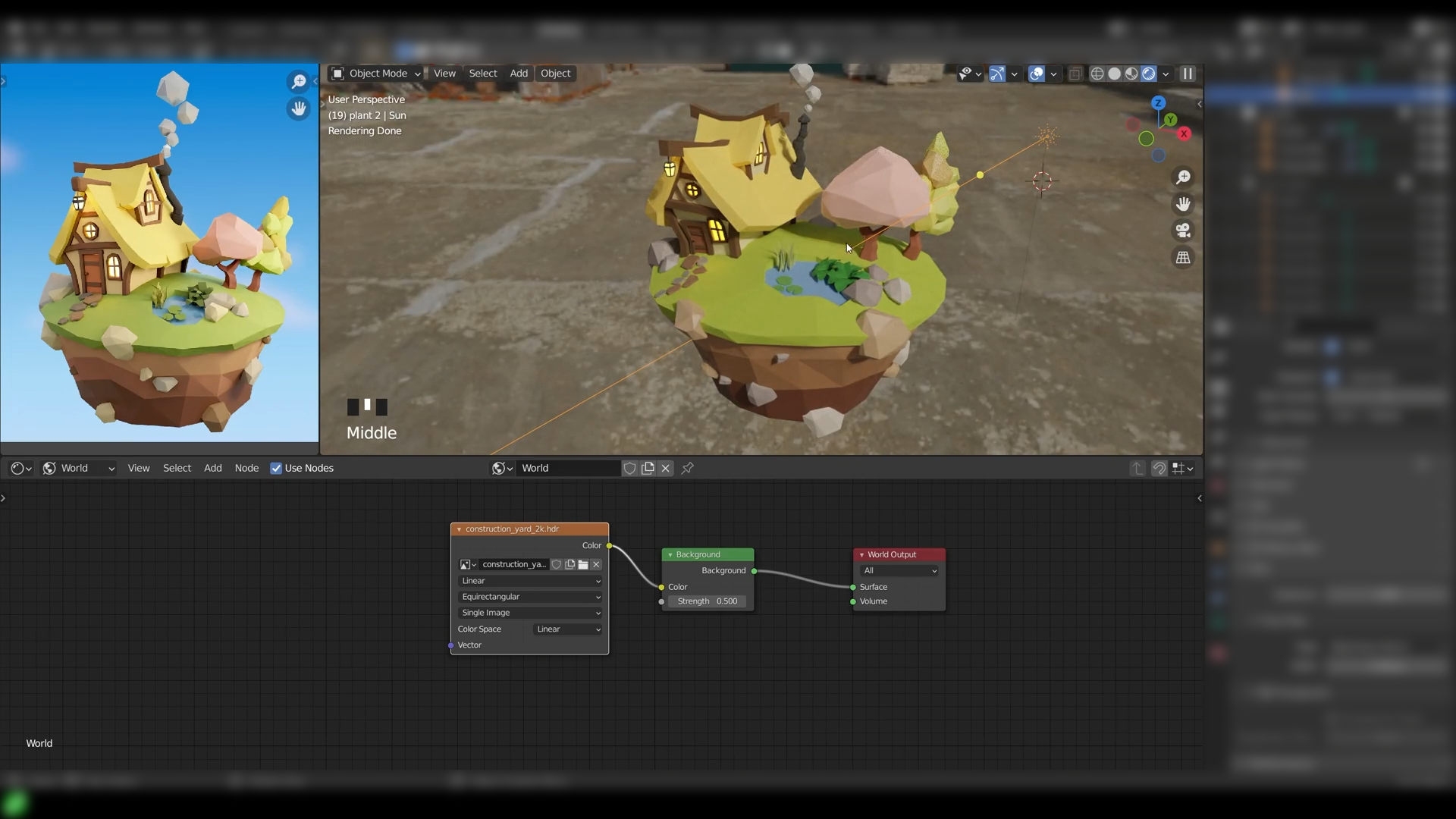
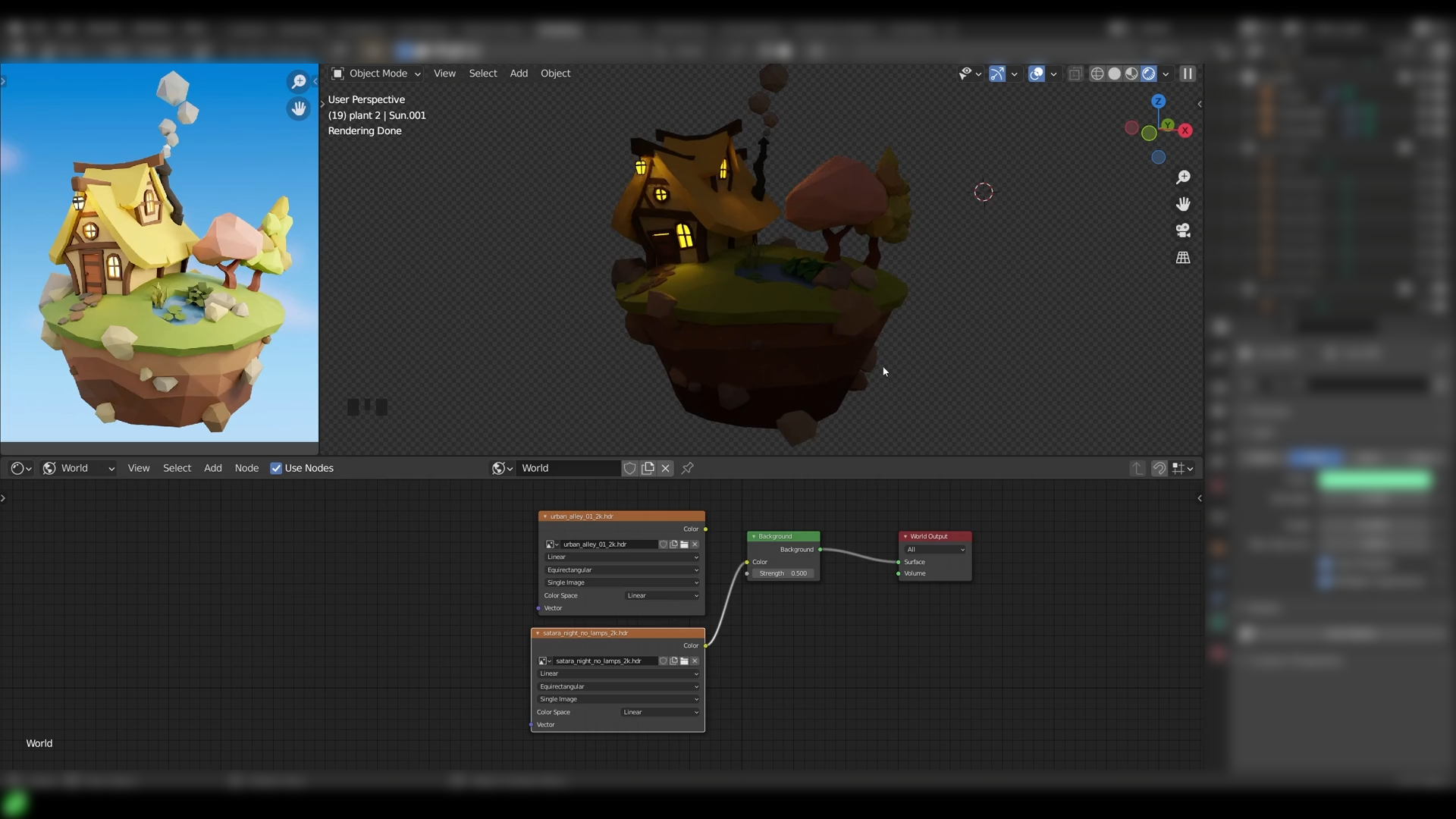
The same landscape can feel cosy or feel like a battle arena. You'll light your scene deliberately, choosing colour and placement to set the tone you actually want, then render it out in both Cycles and Eevee to see how each handles your lighting choices. Lighting is the difference between a scene that's technically finished and one that actually feels like somewhere.
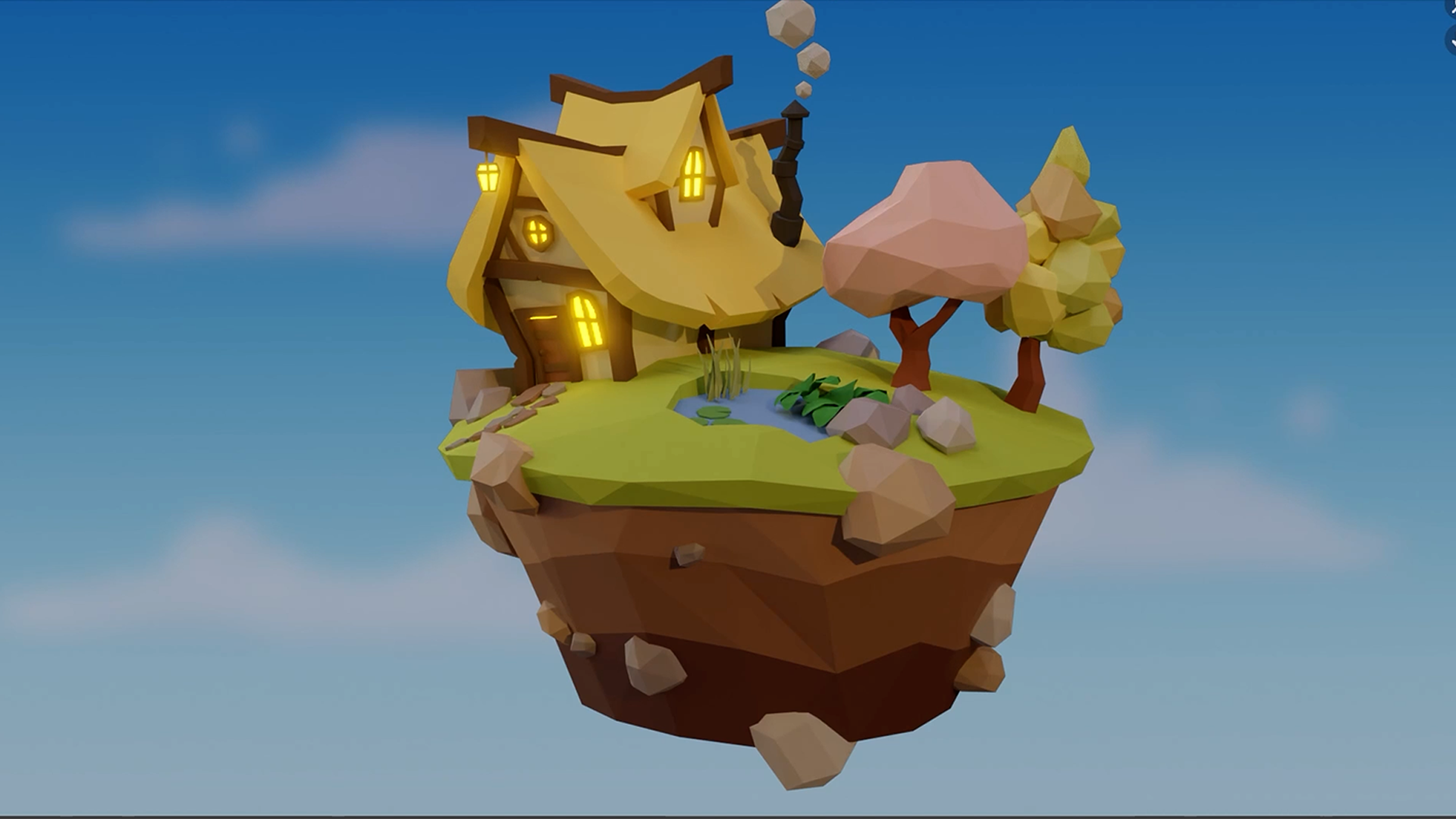
Render a Landscape Ready for Your Next Game.
Modelled, coloured, lit, rendered: your landscape is done. By the end you've built a complete, game-ready environment from scratch and picked up a personal low poly style you can carry into future scenes. Forests, lakes, cosy villages or battle arenas: the same workflow gets you there.
What you’ll learn
Create epic low poly landscapes—ponds, trees, and cozy houses included.
Level up in Blender, mastering everything from menus to meshes.
Unlock the secrets of pro modelling tools for your terrain toolkit.
Splash colour and style on your scenes with multiple materials.
Illuminate your world with lighting that sets the perfect game vibe.
Render your realms using the mighty Cycles and Eevee.
Harness cool tricks like loop cuts and mirror modifiers for slick designs.
Develop your own unique low poly style for future projects.
30 Day Money-Back Guarantee
100% refund, no questions asked.Lifetime Access
Access your content on any device, at any time.Teaching Support
Never get stuck with our teaching assistants on call.About the course
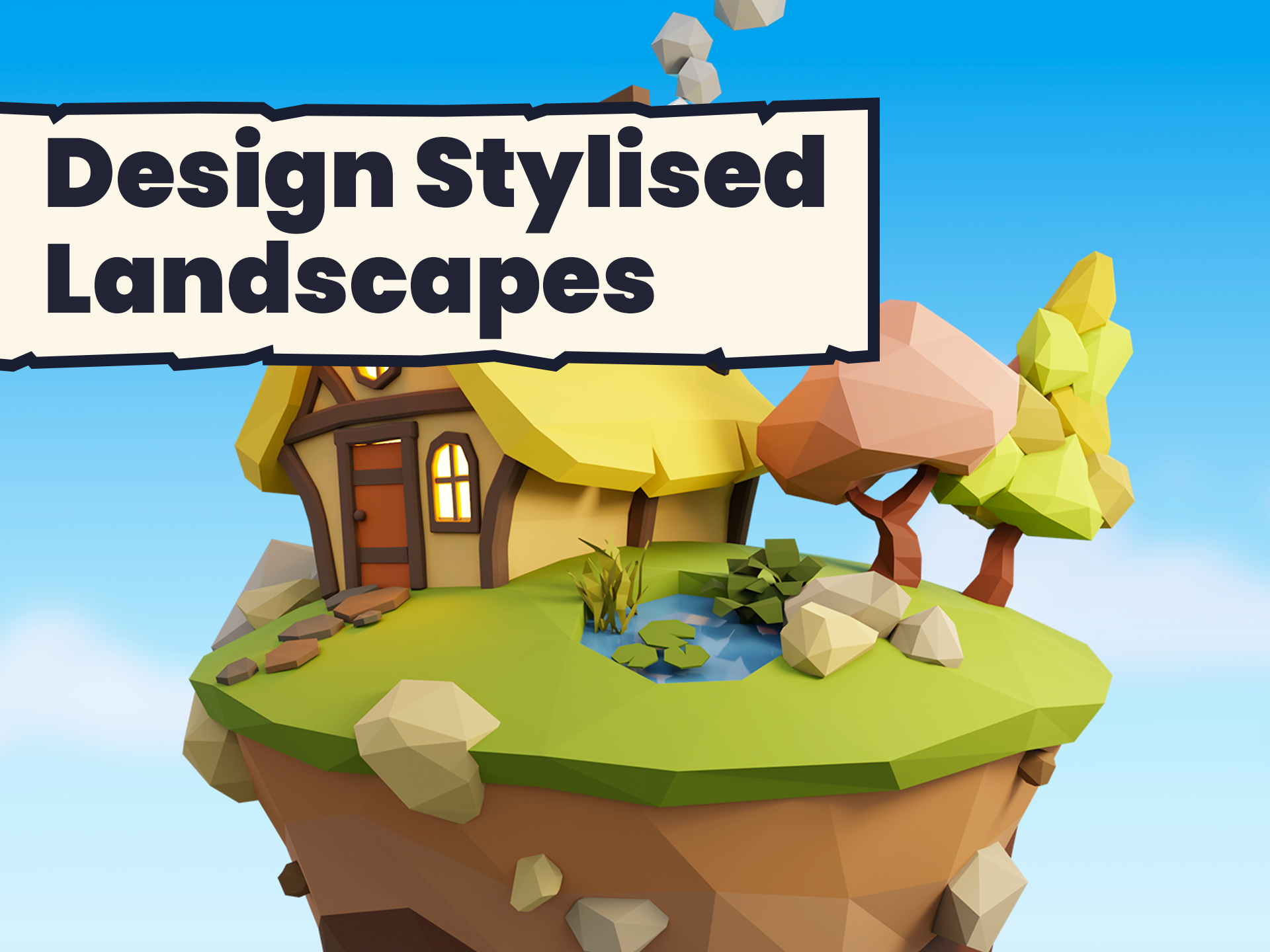
Create Stunning Low Poly Landscapes in Blender!
Ready to level up your game environment skills? Whether you’re creating a tranquil cosy game setting or a dynamic battle arena, our Blender Low Poly Landscapes course is your portal to becoming a master of low poly terrain.
Why Jump Into This Course?
- Fast-Track Your Skills: Skip the grind with streamlined lessons that get you building epic landscapes fast.
- Game-Ready Techniques: Follow along with Grant as he equips you with the tools to model, texture, light, and render scenes that could slot right into your next game.
- Unlock Creative Levels: Dive deep into Blender’s interface and unlock powerful modelling and texturing techniques to boost your level design.
What You’ll Unlock:
- Construct Iconic Low Poly Scenes: Piece together your own game-ready landscapes, from mystical forests to hidden lakes.
- Wield Blender Like a Pro: Master the mainstays of Blender’s toolset to craft and control your virtual worlds with ease.
- Define Your Artistic XP: Level up your personal style, learning to add mood with materials and lights that transform ordinary into extraordinary.
Perfect For:
- Gamers ready to channel their passion into creating custom game environments.
- Budding game developers seeking to enhance their portfolio with eye-catching low poly art.
- Digital adventurers eager to bring their virtual worlds to life without the hassle of complex software.
Ready to Spawn Your Own Low Poly Universe?
Join and start designing landscapes that are more than just backdrops—they’re the foundations of immersive gaming experiences. Equip yourself with Blender, and let’s build worlds that keep gamers questing for more!
Curriculum
Instructors

Grant Abbitt
Hi, I'm Grant!
I started learning blender in the late 90’s and started using it for some motion graphics work for a small film company that I ran.
I went into teaching which was meant more as a backup option when the film work was not so regular. The teaching gradually took over and I have been teaching now for around 15 years. I moved into teaching games design 6 years ago which rekindled my excitement for 3D animation. I then started to find bits and pieces of freelance work and created my YouTube channel Gabbitt Media.
Since then my channel has over 500,000 subscribers and I have worked on game models for the game Atlas Empires along with many other interesting projects from engineering to 3d printing.