Complete Blender Creator 3: Learn 3D Modelling for Beginners (Compatible with 4.3)
Create Beautiful 3D Models for Games, 3D Printing & More – Now Compatible with Blender 4.3
//
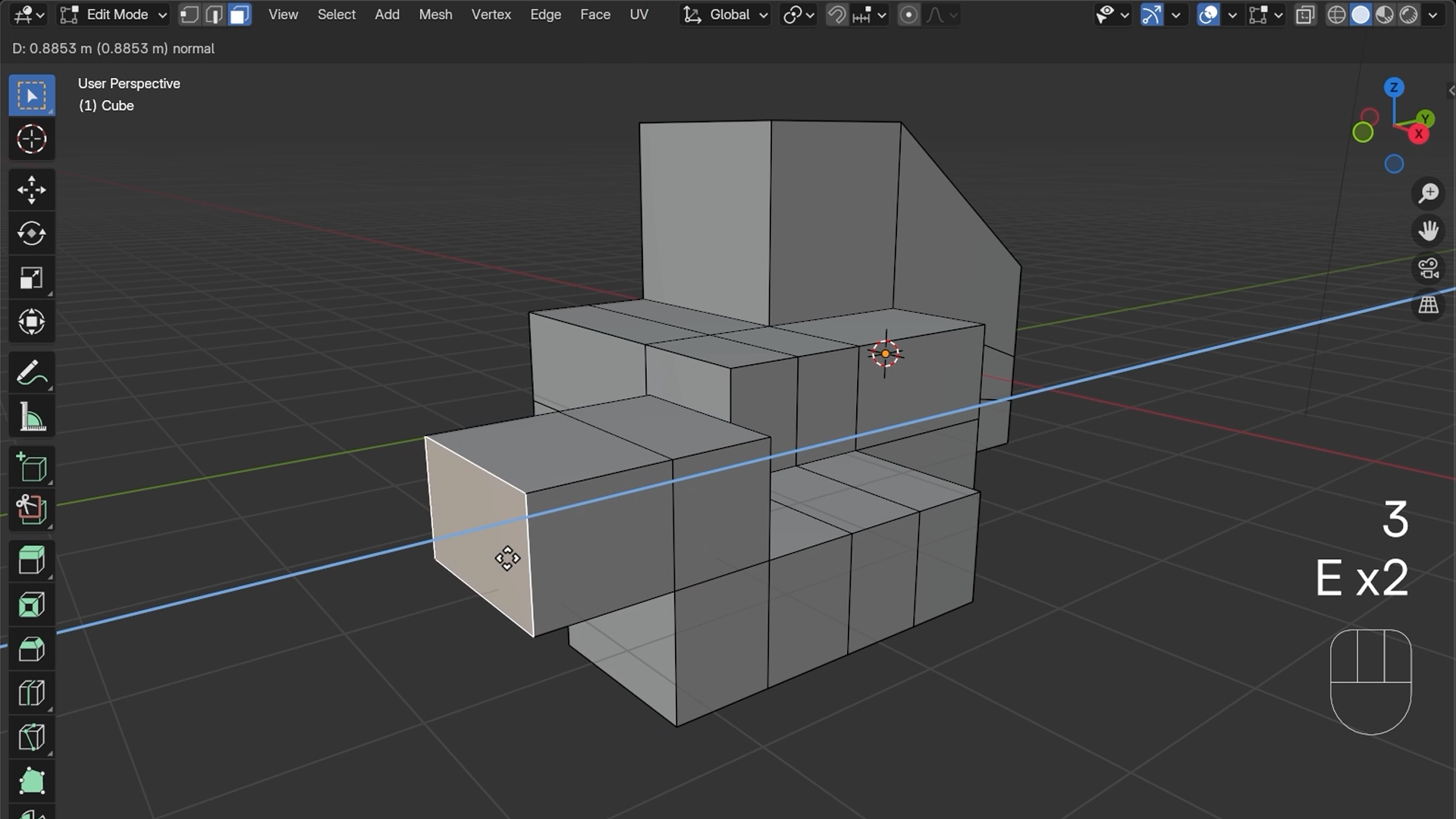
Start building 3D models, even with zero experience.
Blender looks like a lot when you first open it. Menus everywhere, a cube in the middle, and no obvious place to begin. That feeling doesn't last long if you start in the right place, and this is the right place.
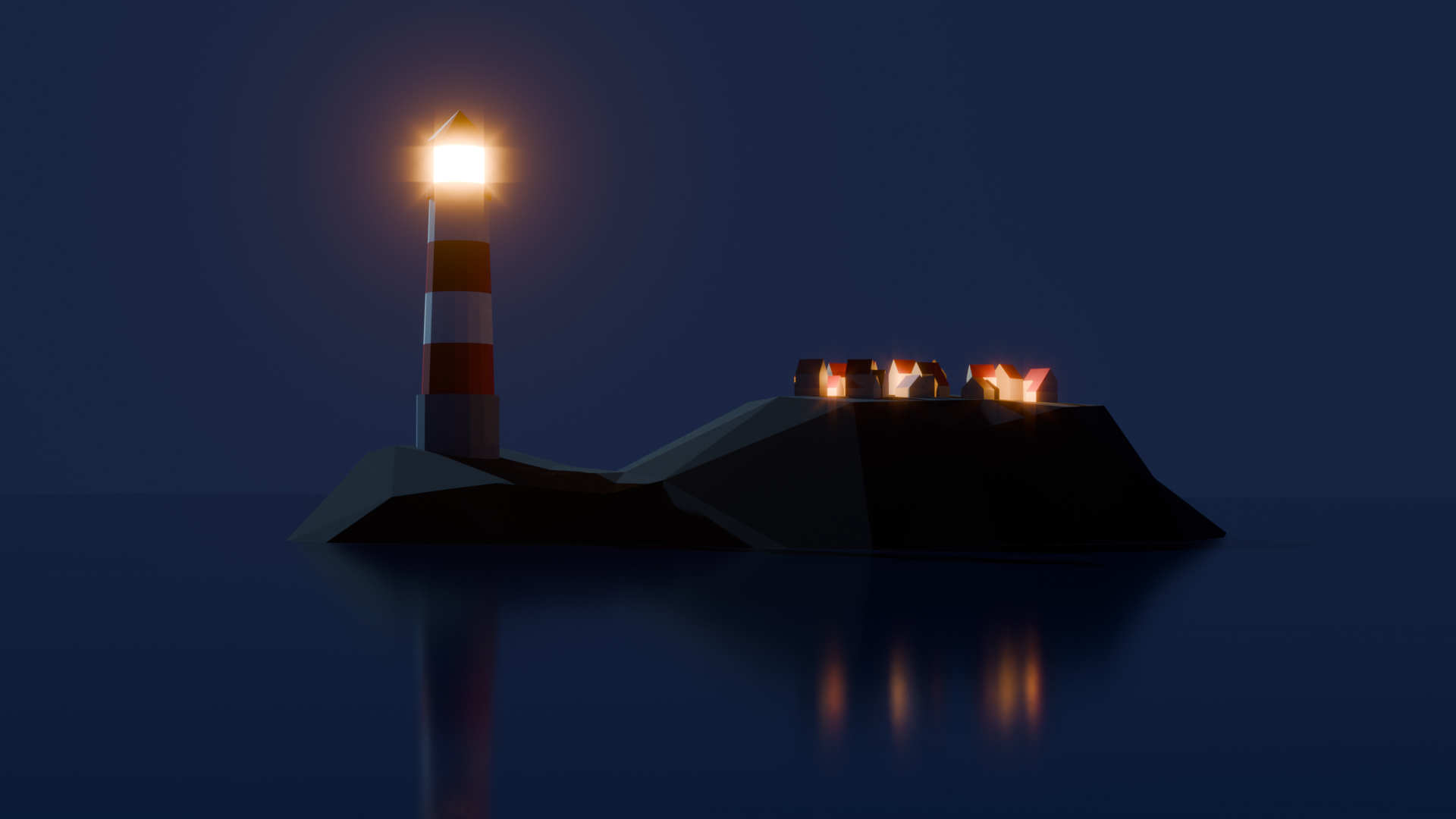
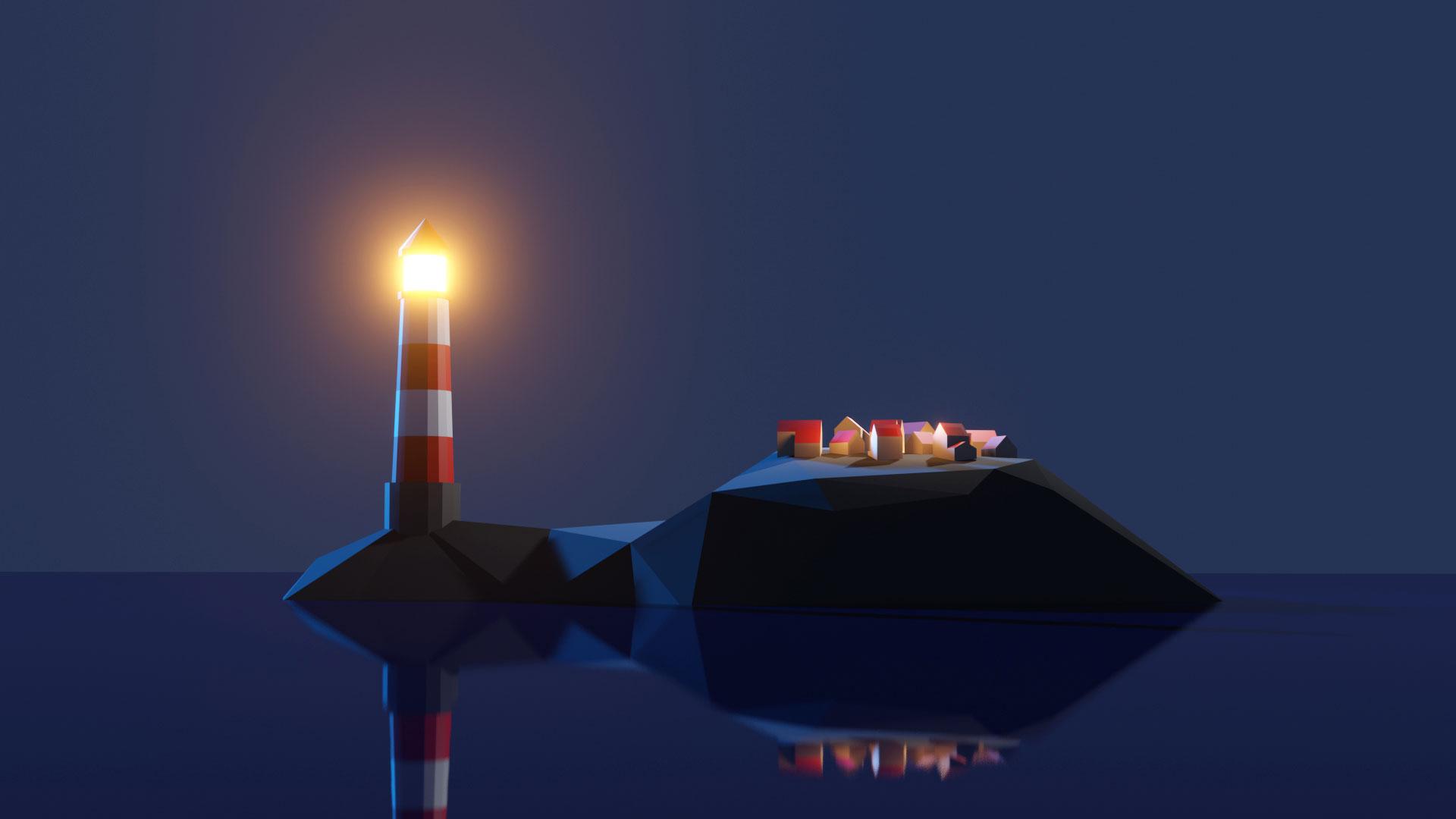
Go from a default cube to a lighthouse in your first session.
This course is project-based from the start, which means you're building real things straight away: not exercises, not abstract shapes, but actual models you'll want to keep. Each one teaches a new set of techniques, and by the time you've made a handful you'll be navigating Blender like you've been using it for years.
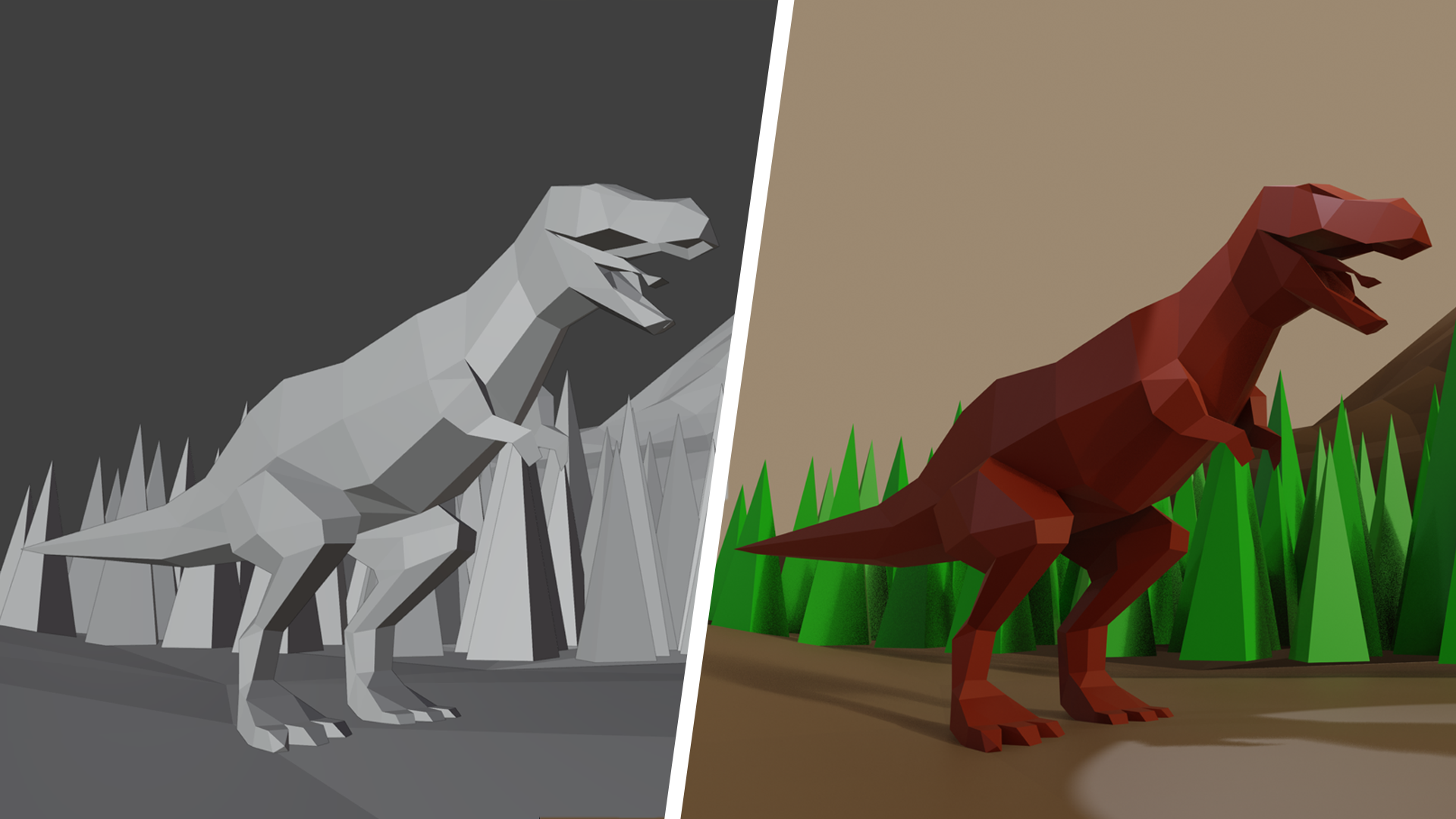
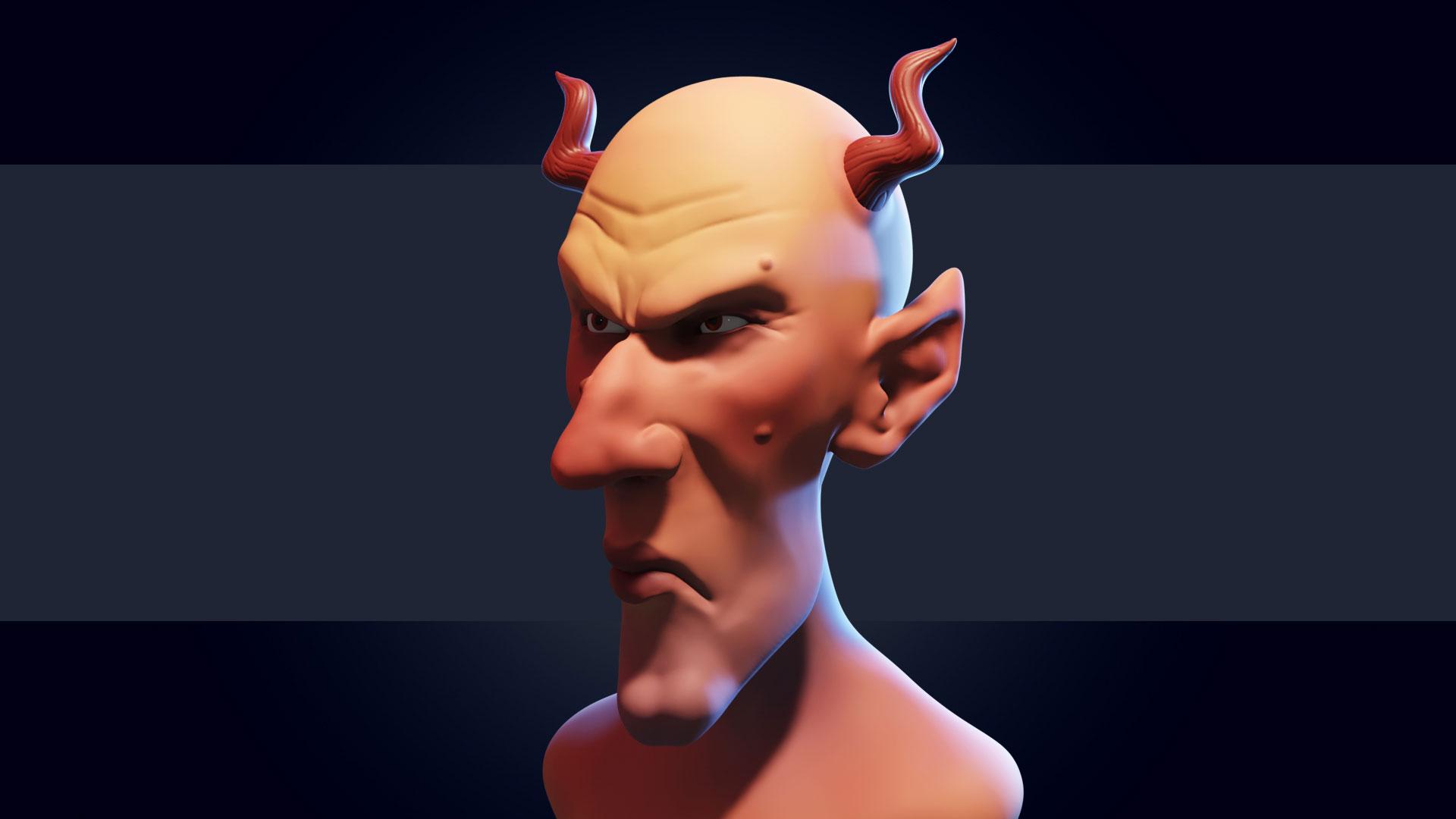
Craft materials, textures and details that make models pop.
Getting the shape right is one thing. Making it look good is where Blender gets genuinely exciting. You'll build custom materials, apply textures for realism, and sculpt fine detail onto your models. The skills that take something from "I made a thing" to "I made a thing I'm proud of."
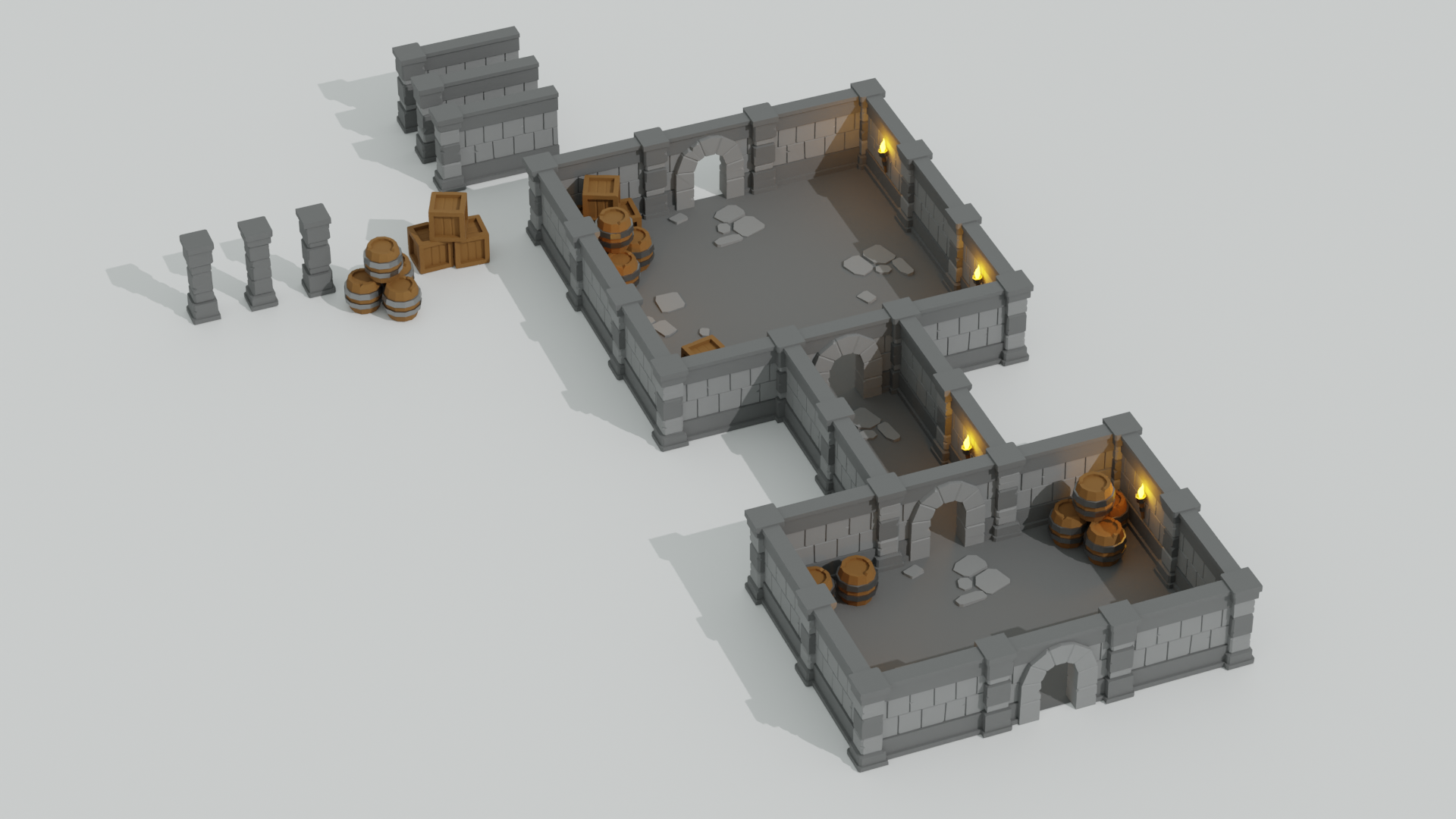
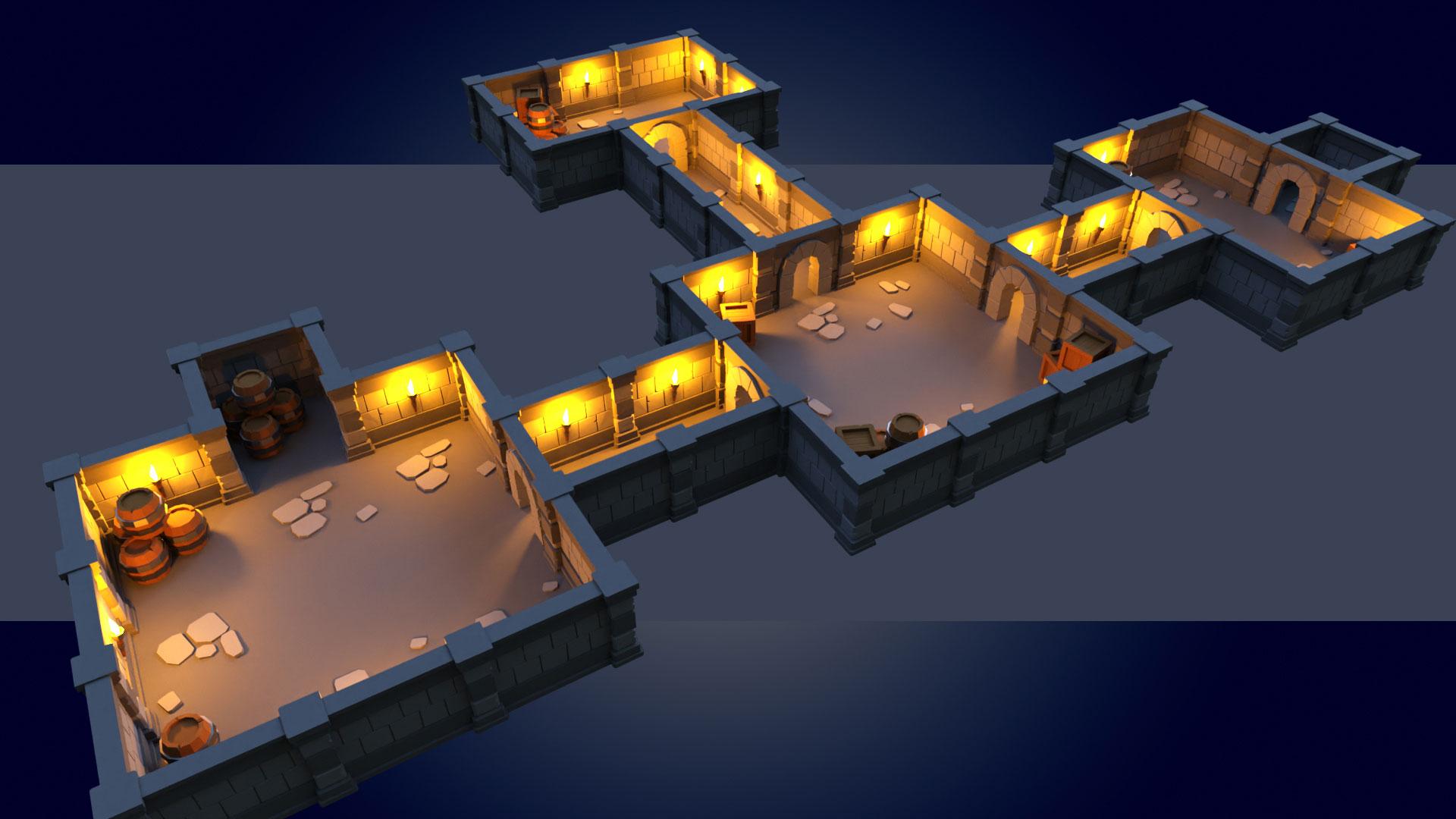
Design full scenes using modular techniques.
Once you can model individual assets, you can build worlds. You'll use modular design principles to put together large scenes quickly, the same approach professional game artists use to build environments without starting from scratch every time.
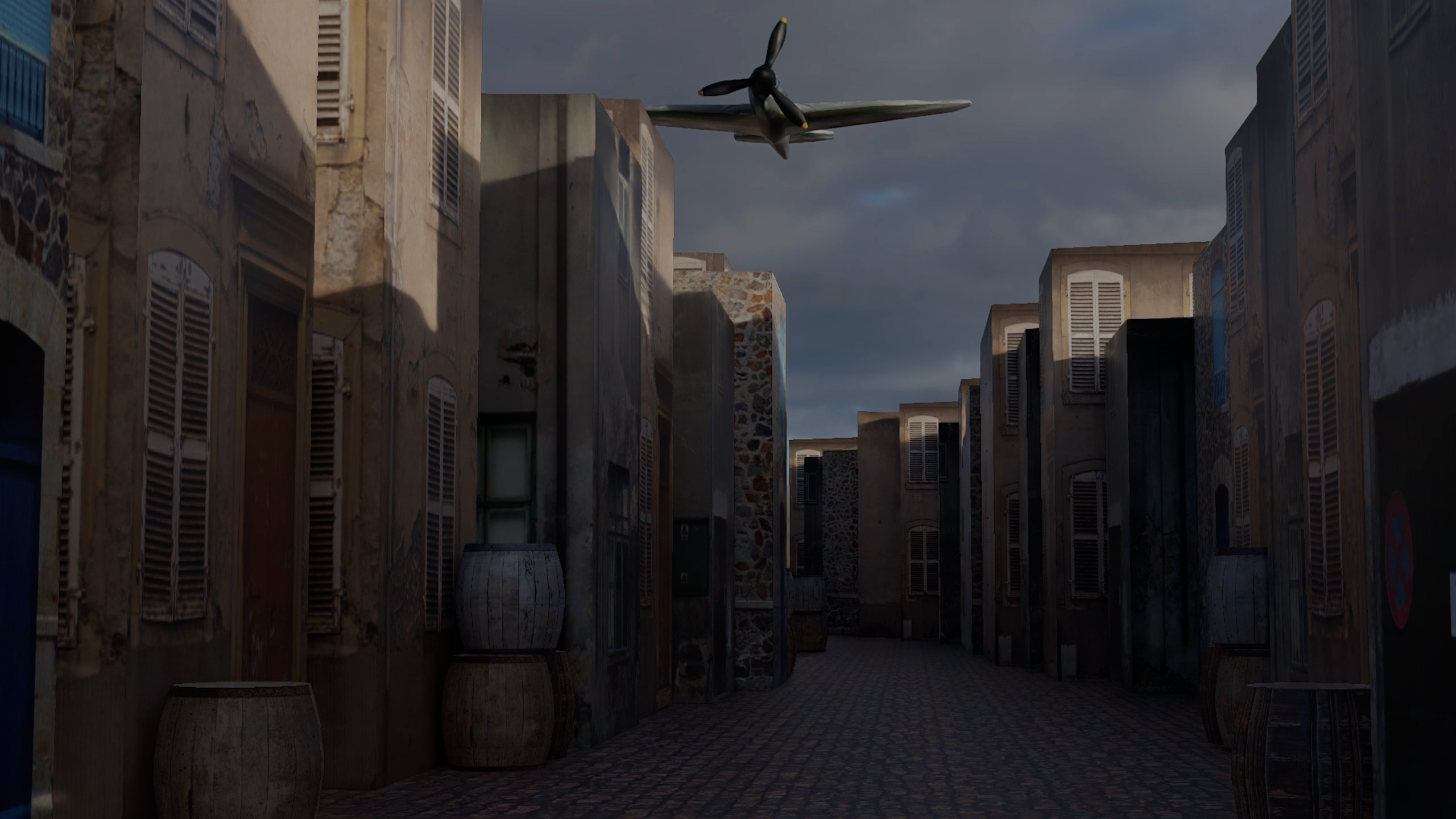
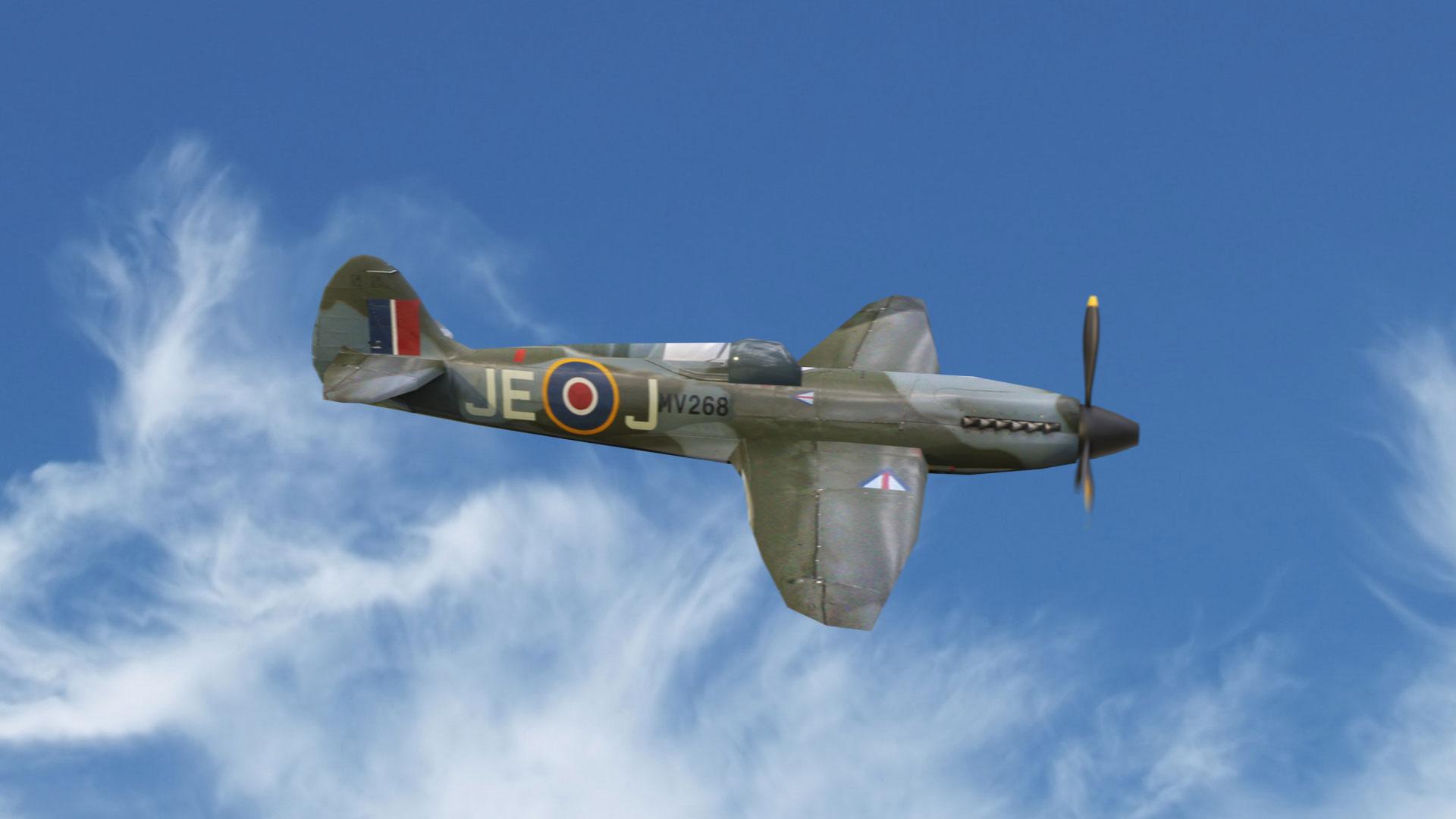
UV unwrap, animate and export anything you build.
UV unwrapping, animation, and getting your models out of Blender and into a game engine or 3D printer: this is where your skills become genuinely portable. By the end you'll have a complete pipeline from blank canvas to finished, exportable asset, and the confidence to take on any model you can picture.
What you’ll learn
Navigate Blender’s interface and master its tools like a pro.
Level up your skills to craft epic 3D models for games and printing.
Whip up wicked materials that make your models pop.
Learn fundamental and intermediate modelling techniques.
Apply textures for enhanced realism in your projects.
Design large scenes quickly using modular techniques.
Bring your characters to life with some cool animating moves.
Sculpt and UV unwrap your creations for next-level detail.
30 Day Money-Back Guarantee
100% refund, no questions asked.Lifetime Access
Access your content on any device, at any time.Teaching Support
Never get stuck with our teaching assistants on call.About the course
This course is fully compatible with Blender 4.3, with the first section updated to Blender 4.4.2.
Blender is a fantastic platform which enables you to make AAA-quality models, which can be exported to any game engine, 3D printer, or other software.
Here's some of the reasons why you want to learn Blender with this online tutorial...
- Create assets for video games.
- Make unique 3D printed gifts.
- Design your dream house, car, etc
- Express yourself through 3D artwork.
Learn how to create 3D Models and Assets for games using Blender, the free-to-use 3D production suite. We start super simple so you'll be ok with little or no experience. With our online tutorials, you'll be amazed what you can achieve.
The GameDev.tv team has created some of the world's most popular online game development training courses. This Blender course has been enjoyed by hundreds of thousands of students and, with more than 40,000 5 star reviews, is consistently ranked the #1 Blender course in terms of rating and popularity.
The course is project-based, so you will apply your new skills immediately to real 3D models. All the project files will be included, as well as additional references and resources - you'll never get stuck. There are talking-head videos, powerful diagrams, quality screencasts and more.
For each of the models that you build you will follow this process...
- Be challenged to build the entire model yourself.
- Be shown step-by-step how to build it.
- Apply your knowledge regularly.
If you're a complete beginner, we'll teach you all the modelling fundamentals you'll need. If you're an artist, we'll teach you to bring your assets to life. If you're a coder, we'll teach you modelling and design principles.
Dive in now, you won't be disappointed
Curriculum
Instructors

Grant Abbitt
Hi, I'm Grant!
I started learning blender in the late 90’s and started using it for some motion graphics work for a small film company that I ran.
I went into teaching which was meant more as a backup option when the film work was not so regular. The teaching gradually took over and I have been teaching now for around 15 years. I moved into teaching games design 6 years ago which rekindled my excitement for 3D animation. I then started to find bits and pieces of freelance work and created my YouTube channel Gabbitt Media.
Since then my channel has over 500,000 subscribers and I have worked on game models for the game Atlas Empires along with many other interesting projects from engineering to 3d printing.