Blender Animation & Rigging: Bring Your Creations To Life
Learn To Rig And Animate Models And Characters In Blender. For All Skill Levels. Blender 4 Compatible. EARLY ACCESS!
//
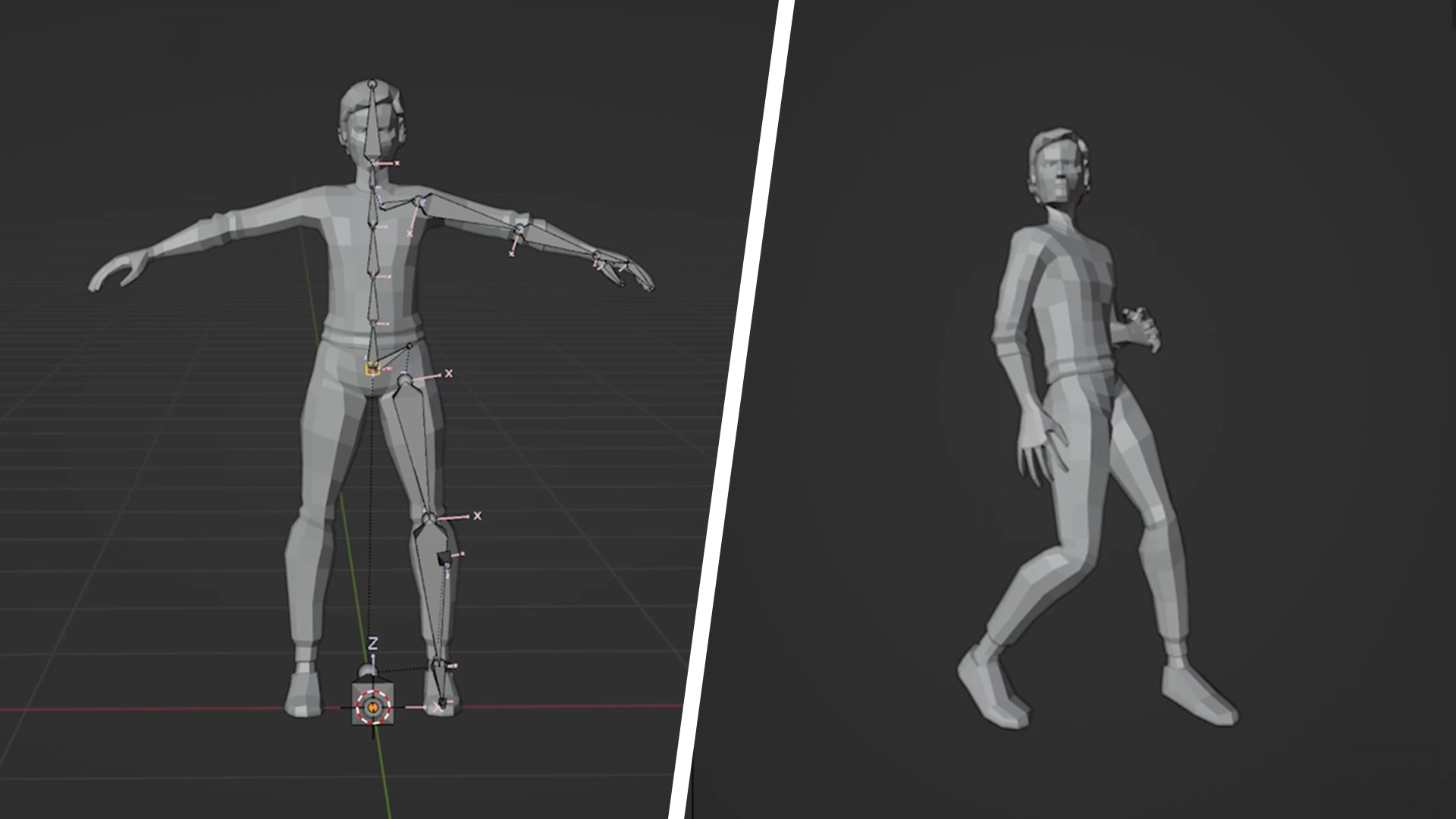
Make Your Models Move Like They Mean It.
You can model a character. It just won't move. That's the gap this course closes. You'll take a static model into Blender's rigging tools and come out the other side with a character that walks, runs and reacts like it's alive. Every animation principle you learn here transfers to anything you want to move, not just characters.
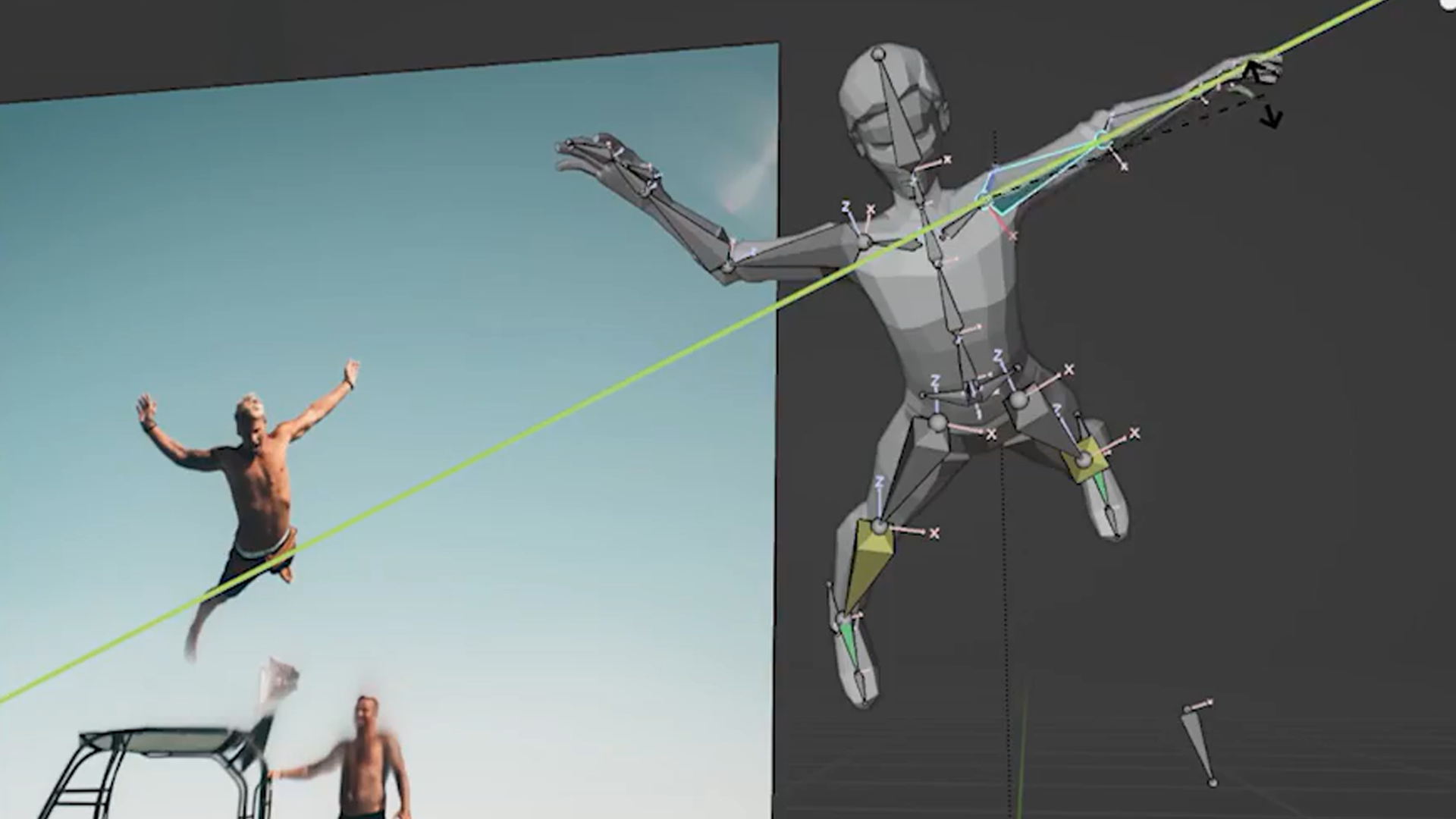
Rig a Character From the Bones Up.
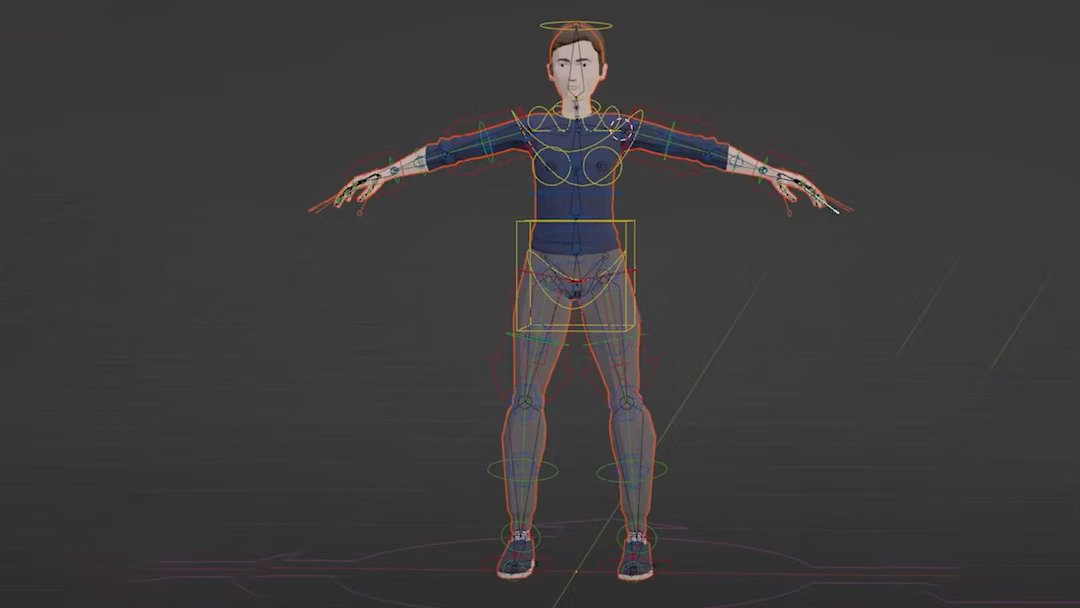
Bones, joints, deform: the terms stop being scary fast. You'll build a full armature from scratch, placing bones, setting up parent hierarchies and weight painting so the mesh deforms properly when it moves. Get the rig wrong here and every animation after it fights you. Get it right, and the rest of the course gets a lot easier.
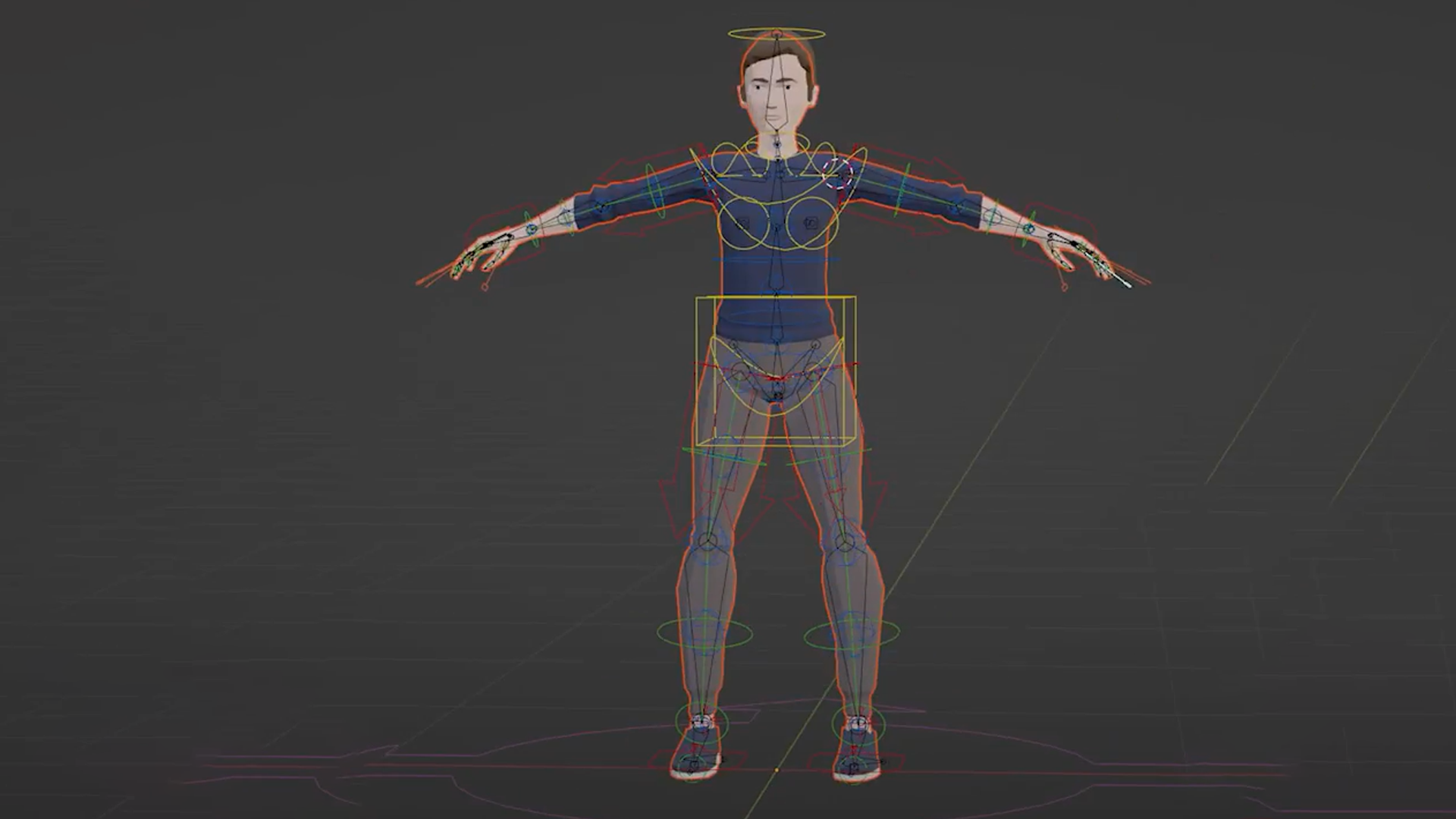
Build Rigs That Move the Way You Want.
Basic bones only get you so far. You'll add IK and FK controls so a leg plants naturally on the ground and an arm swings the way you'd expect, then build custom control shapes that make the rig easy to pose. This is the shift from a rig that technically works to one that's actually a pleasure to animate with.
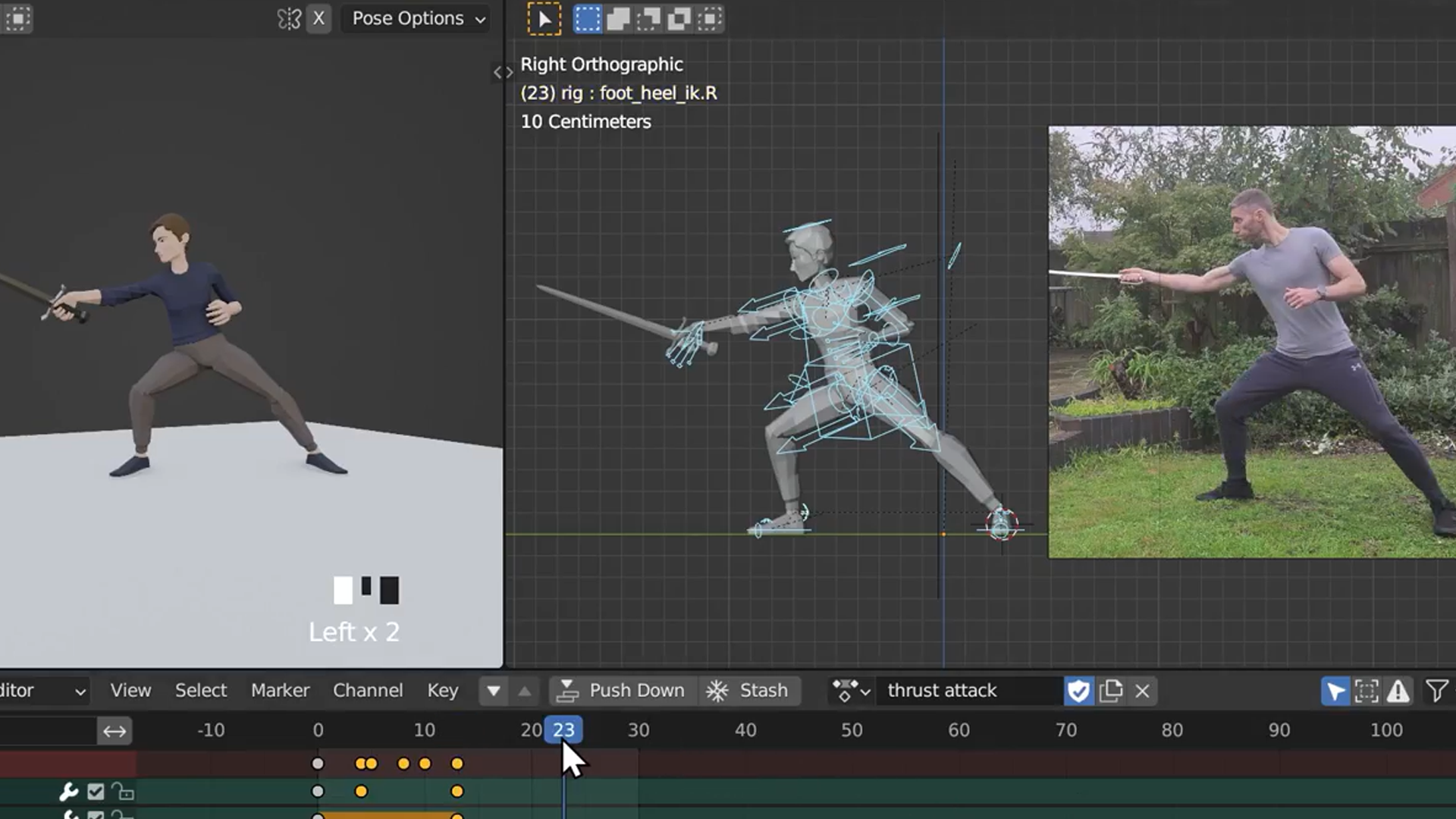
Animate Actions With Weight and Timing.
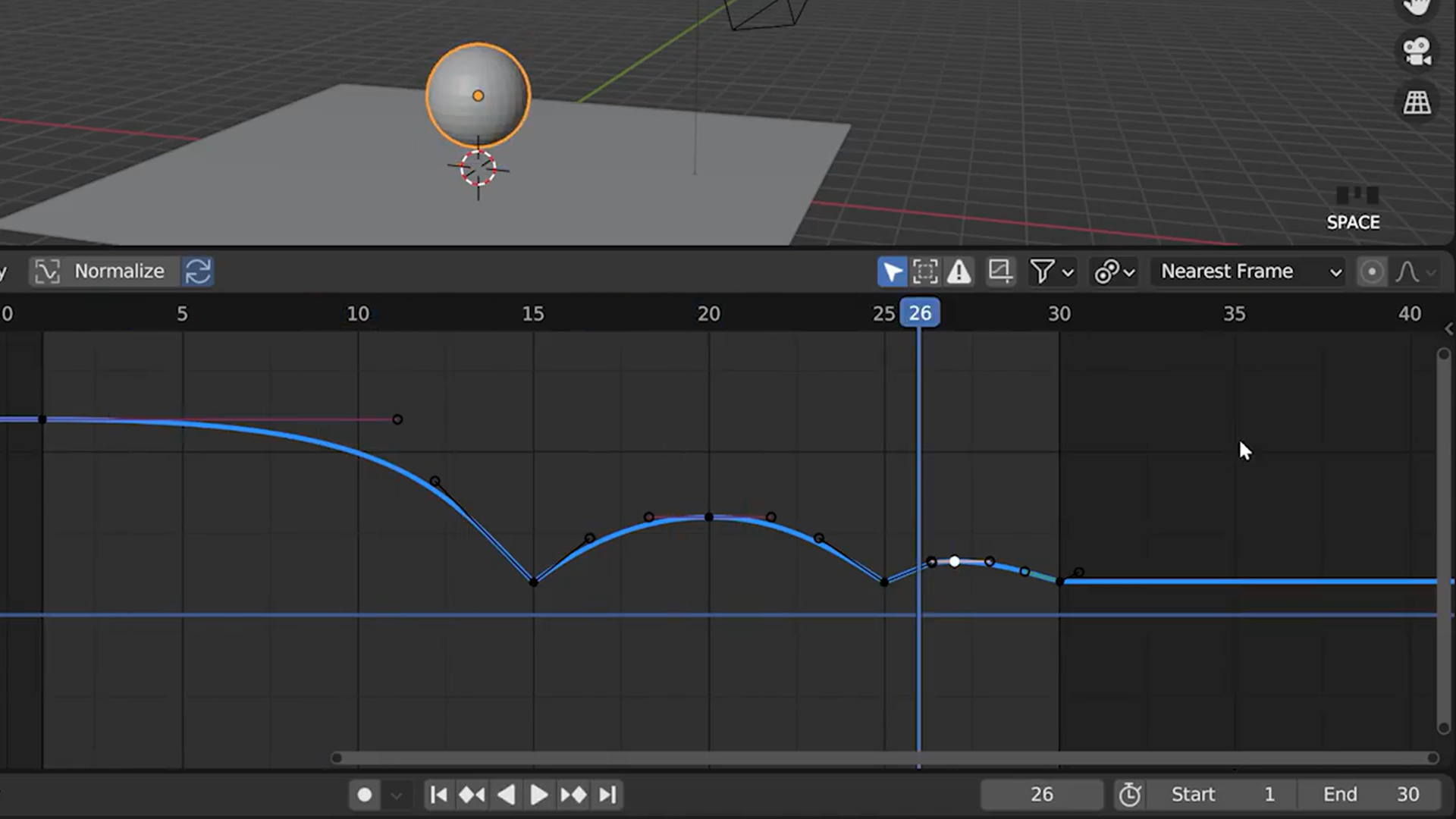
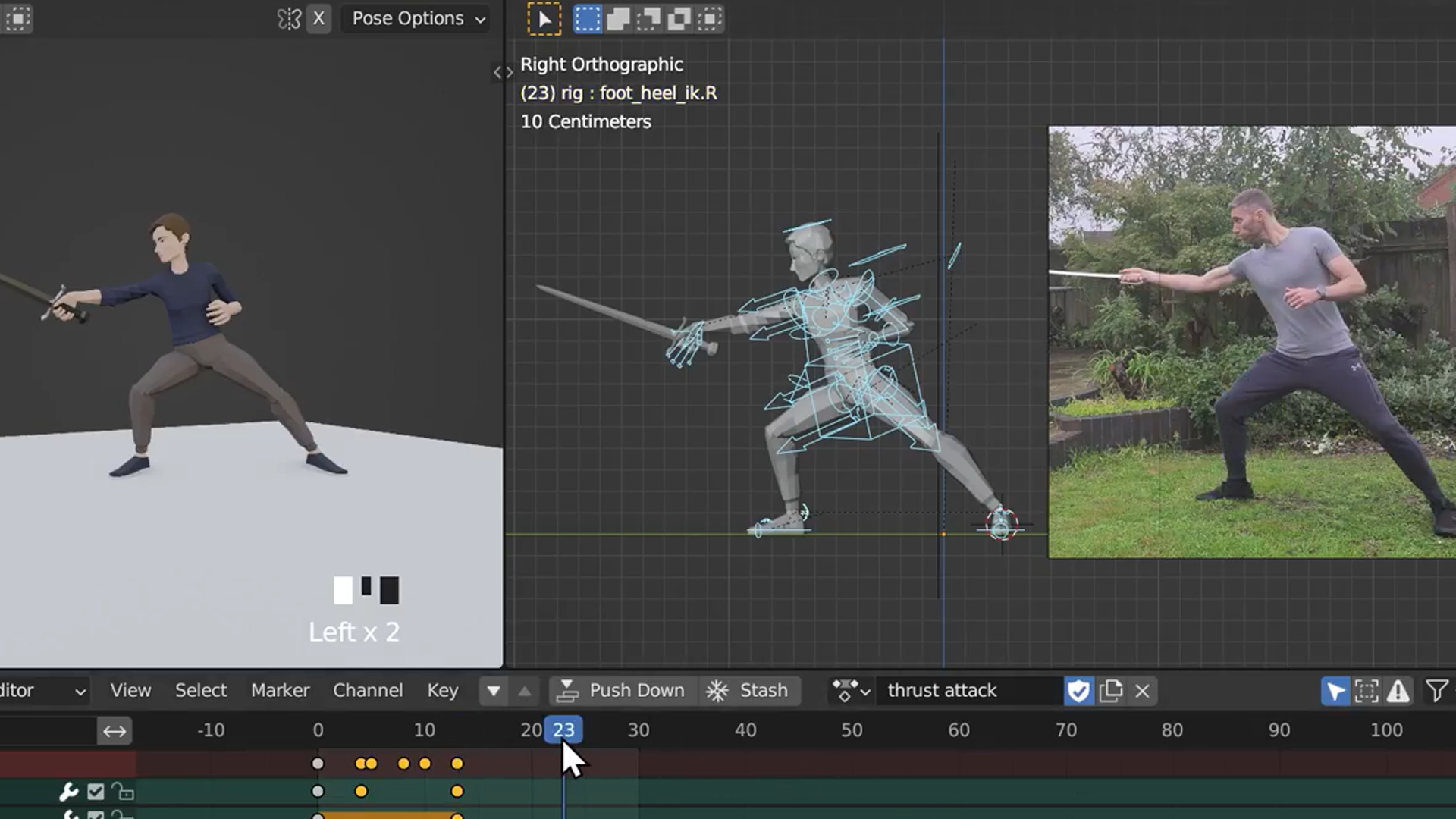
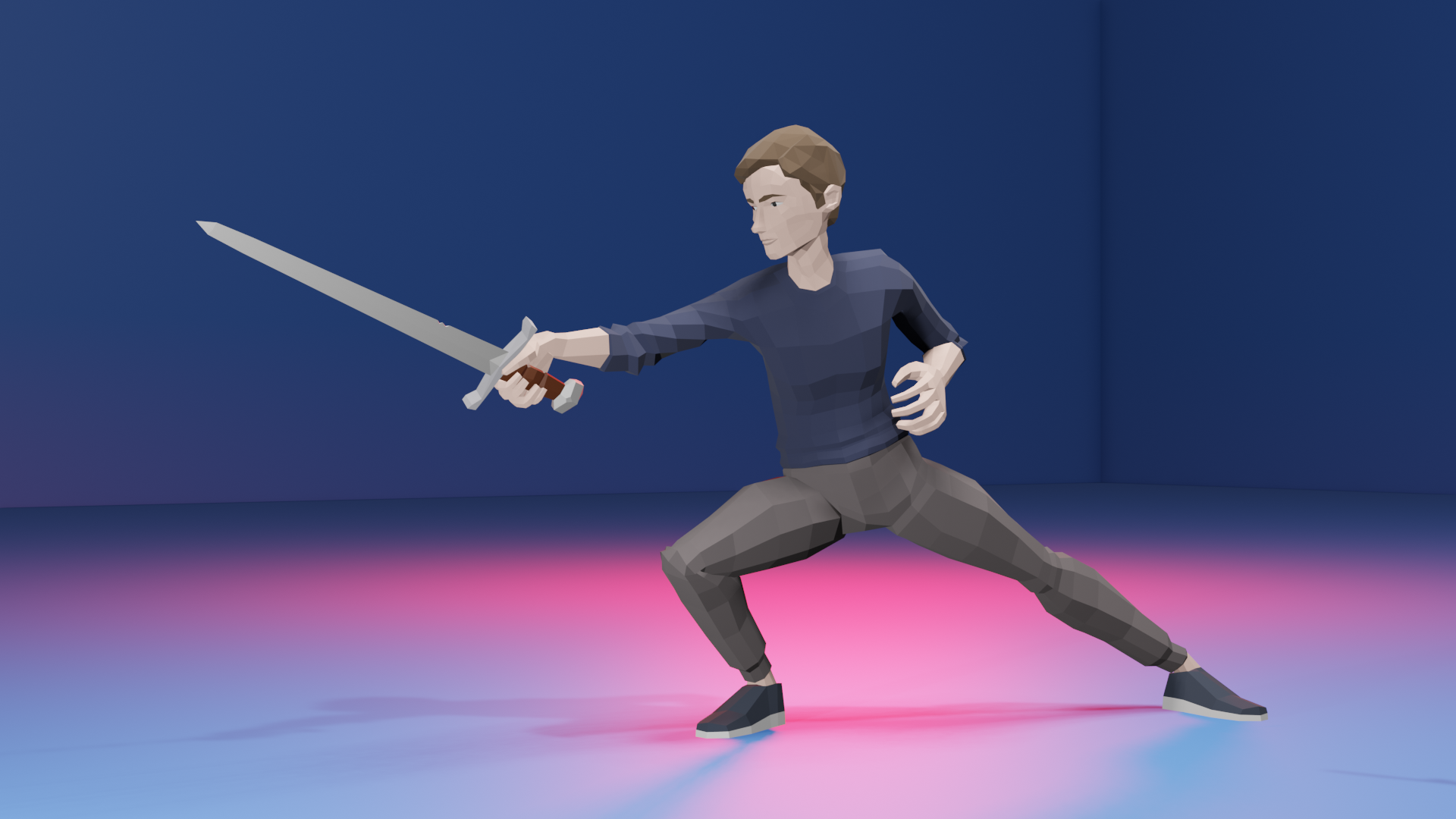
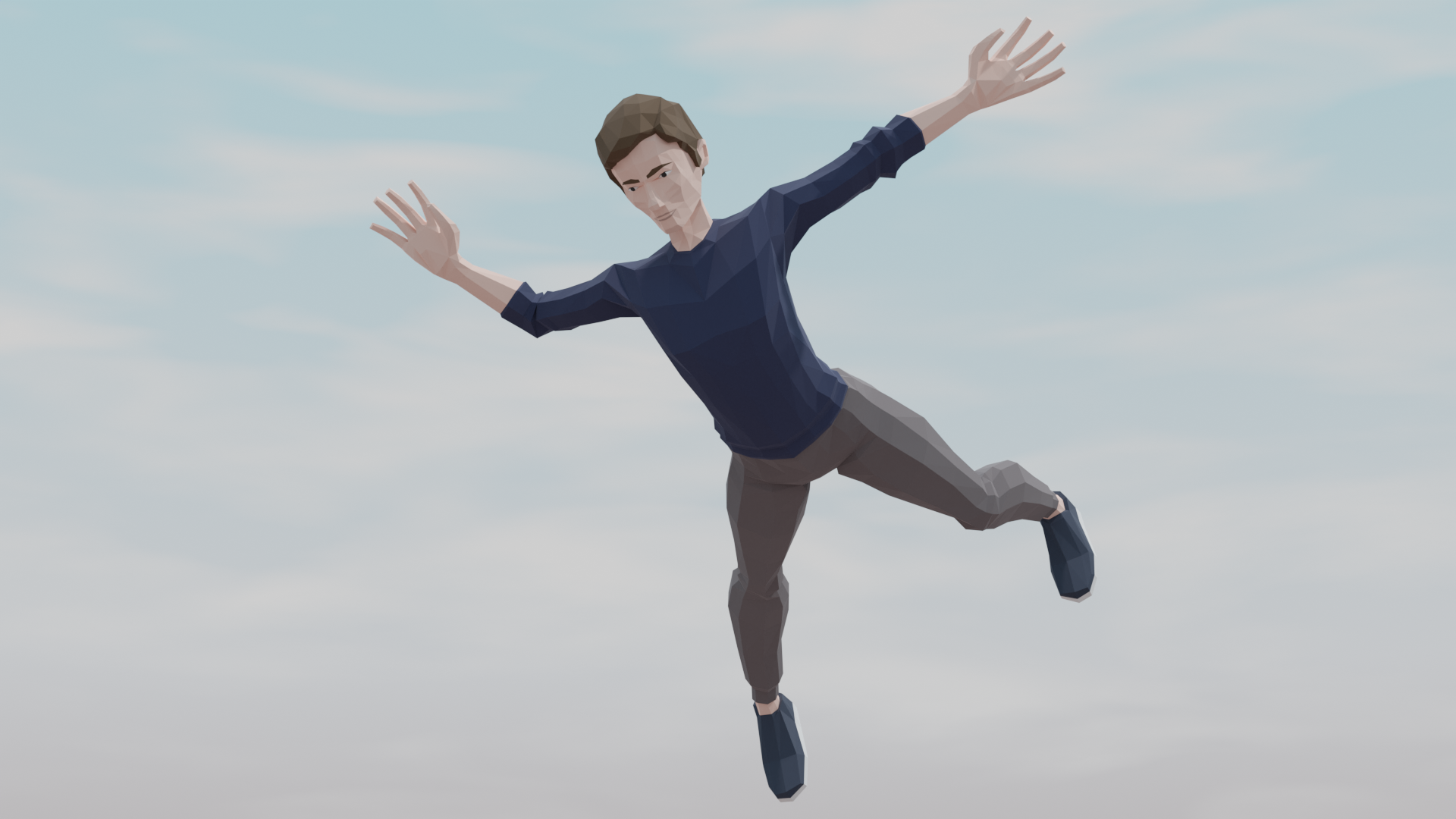
Grant acts it out, you animate it in. Using Grant's own reference footage as a template, you'll block out and polish walk cycles, runs, jumps and attack sequences, applying the timing and weight principles that separate stiff motion from something that reads as alive. By the end, you're not copying keyframes, you're directing a performance.
Ship Characters Ready for Any Game Engine.
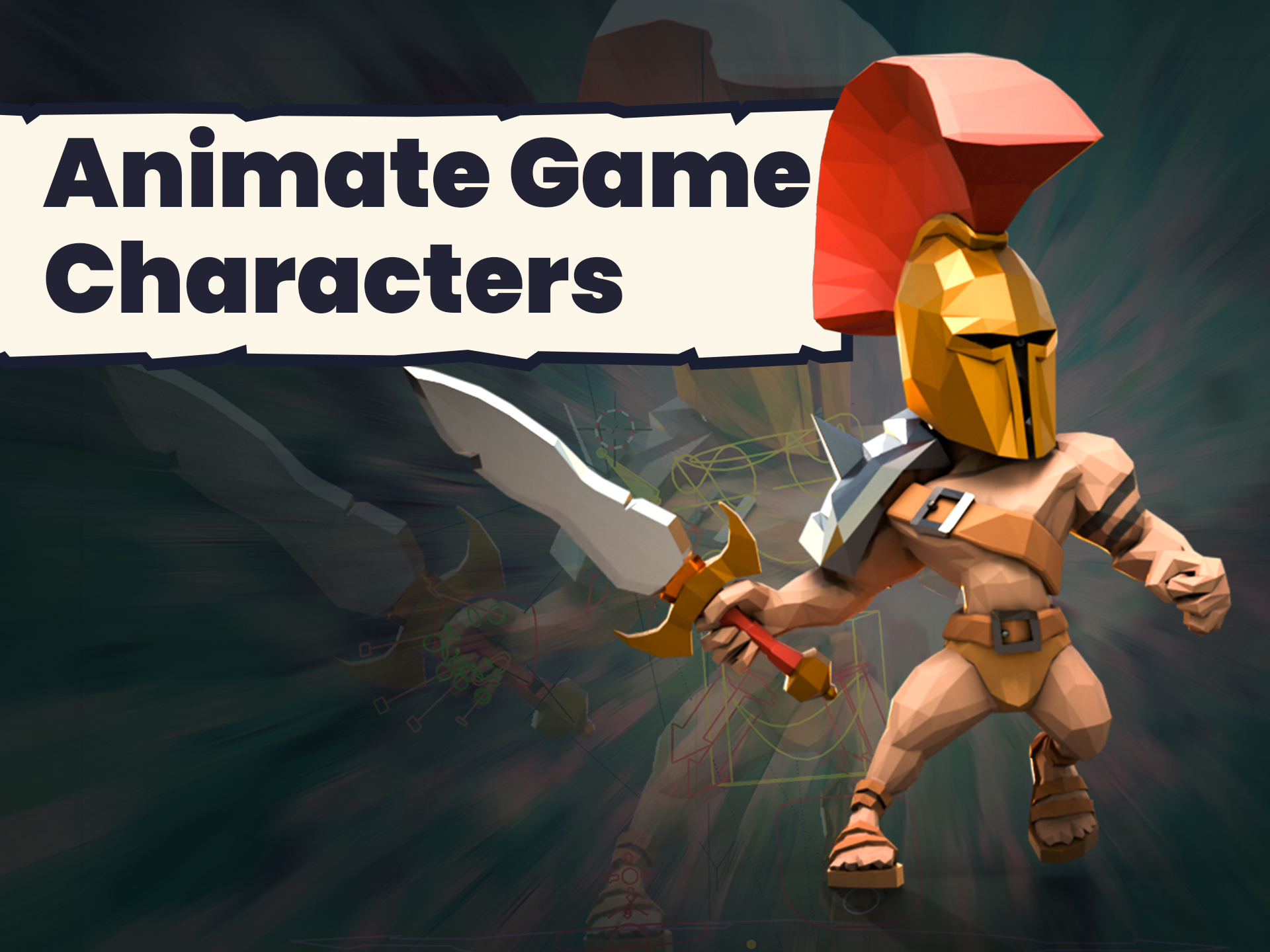
Your rig doesn't just animate. It exports clean. You'll set up advanced, automated rigs built for dynamic character movement, then export everything so it drops straight into a game engine without breaking. Whatever engine you're building in, walk cycles, jumps and attacks arrive ready to use, with a rig you understand well enough to adjust yourself.
What you’ll learn
Kick off your animation journey by rigging and animating characters in Blender.
Master rigging basics, then level up to complex character rigs.
Animate with flair: from simple motions to expressive character actions.
Craft awesome action sequences, including runs, jumps, and attacks.
Get your characters game-ready with quick and effective animations.
Export animations smoothly to breathe life into your game models.
Watch and learn as Grant acts out animations for real-world references.
Dive into advanced automated rigs for dynamic character movements.
30 Day Money-Back Guarantee
100% refund, no questions asked.Lifetime Access
Access your content on any device, at any time.Teaching Support
Never get stuck with our teaching assistants on call.About the course
Want to create amazing animations, just like you see on your favourite game characters?
In this course, you’ll bring your creations to life and learn how to rig and animate models and characters.
While the course is mainly character focused, the principles and tools you learn can be applied to animate anything in Blender.
By the end of the course you’ll be able to rig and animate characters ready for game engines, or anything else you want to use them for!
Plus you get the added bonus of seeing Grant acting out all these animations as a template for the movements :-)
The course is Blender 4 compatible, and will be updated if there are any changes to the way things work in Blender 4.1.
Perfect if you have a basic/reasonable understanding of the Blender interface (so at least a few hours of modelling and using blender under your belt) and also if you want to create animations for your games and game characters.
So what are you waiting for? Dive in now and start animating!
Curriculum
Instructors

Grant Abbitt
Hi, I'm Grant!
I started learning blender in the late 90’s and started using it for some motion graphics work for a small film company that I ran.
I went into teaching which was meant more as a backup option when the film work was not so regular. The teaching gradually took over and I have been teaching now for around 15 years. I moved into teaching games design 6 years ago which rekindled my excitement for 3D animation. I then started to find bits and pieces of freelance work and created my YouTube channel Gabbitt Media.
Since then my channel has over 500,000 subscribers and I have worked on game models for the game Atlas Empires along with many other interesting projects from engineering to 3d printing.