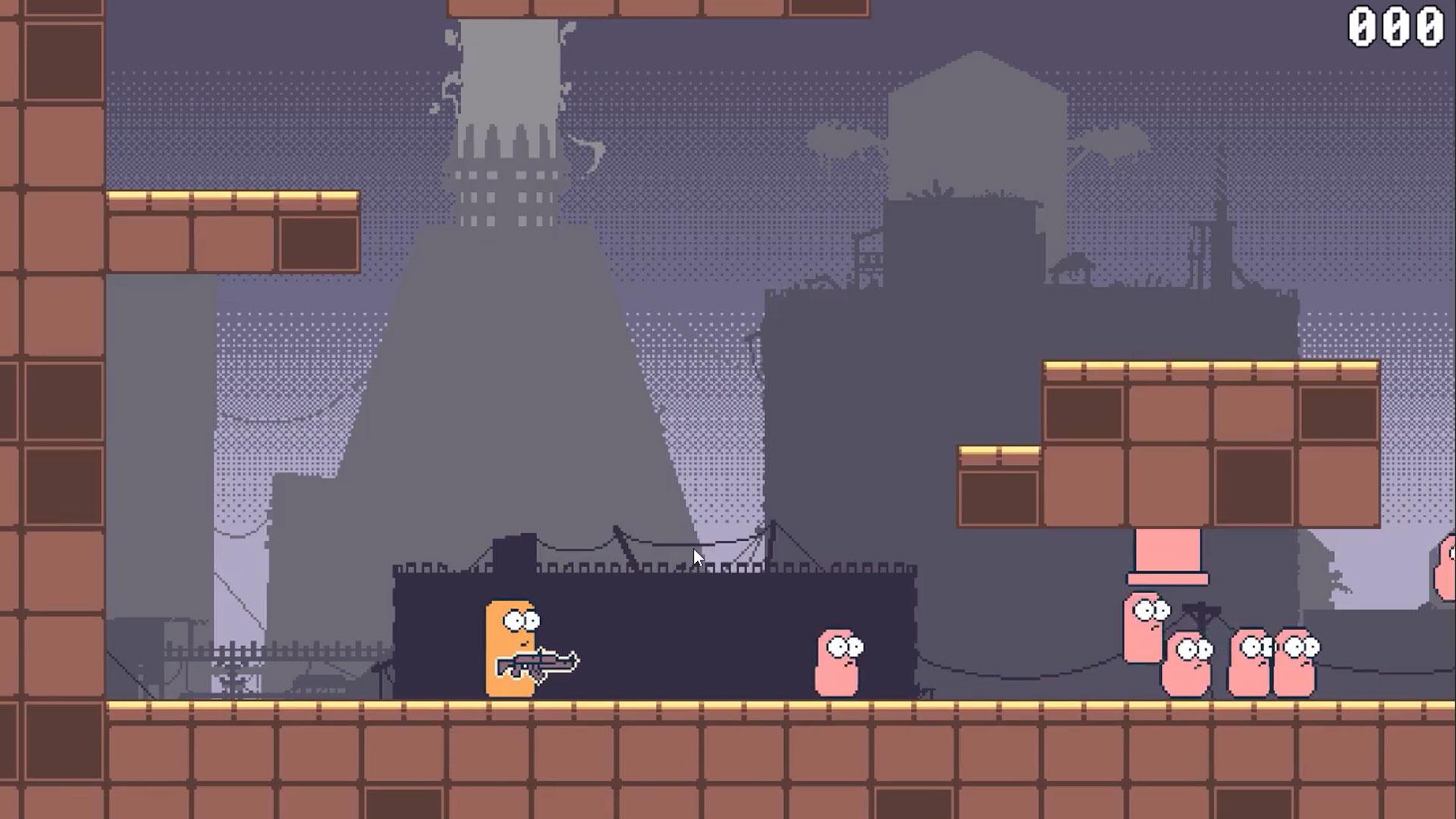

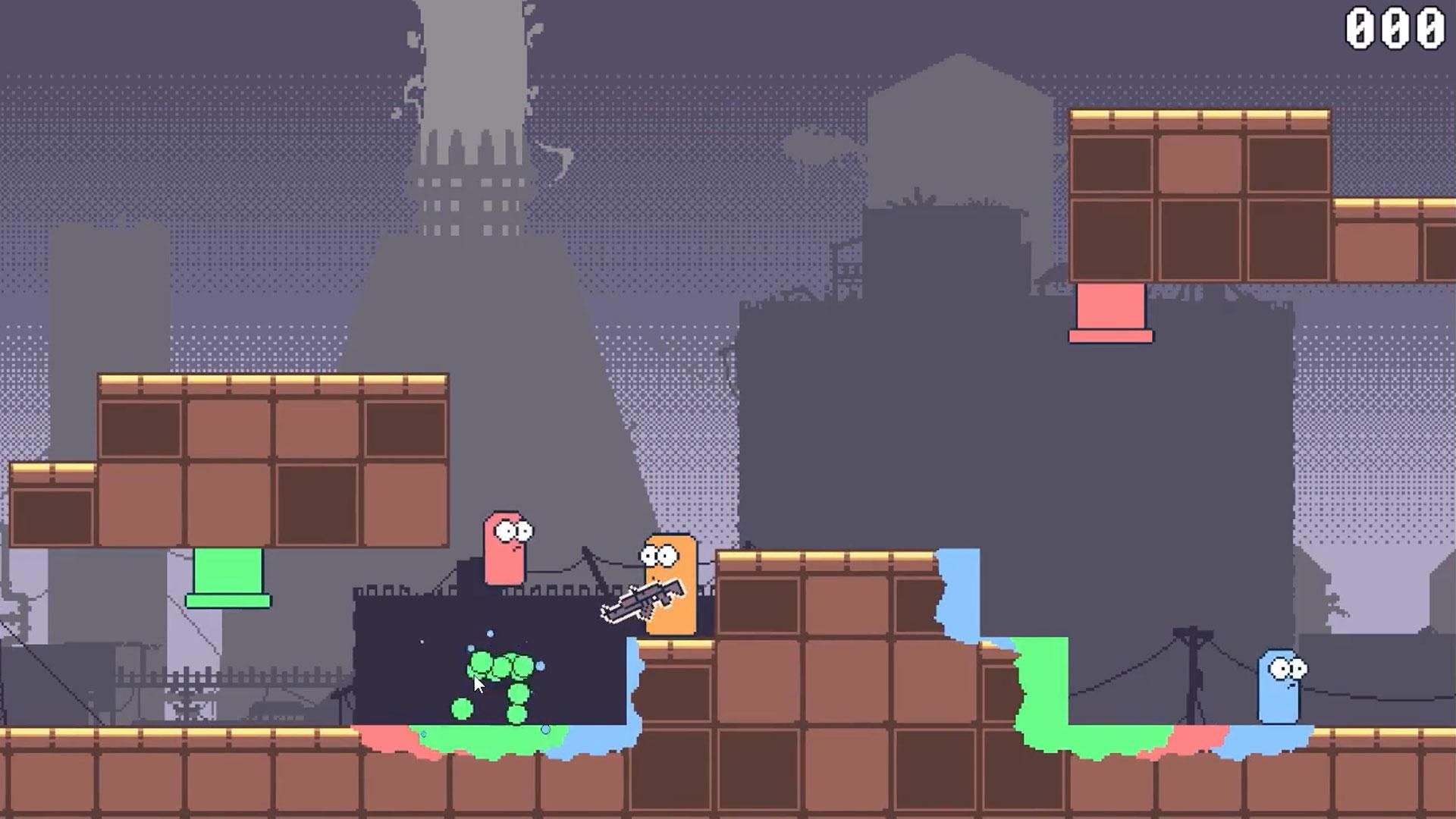
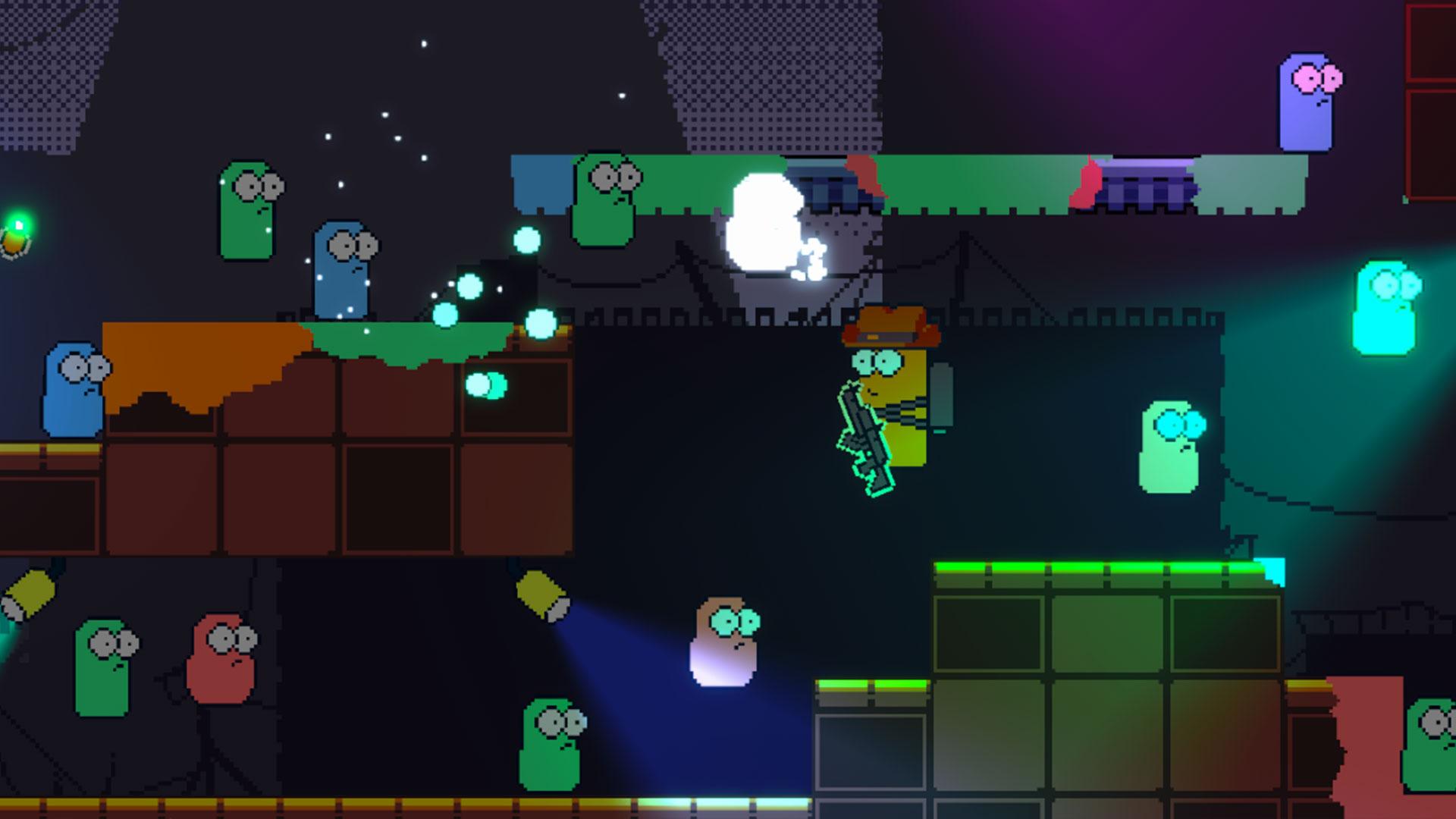
Mastering Game Feel in Unity: Where Code Meets Fun!
Polish Your Unity Projects and Amp Up Your Game with Post-Processing, 2D Lighting, VFX, Audio Effects and More!
//
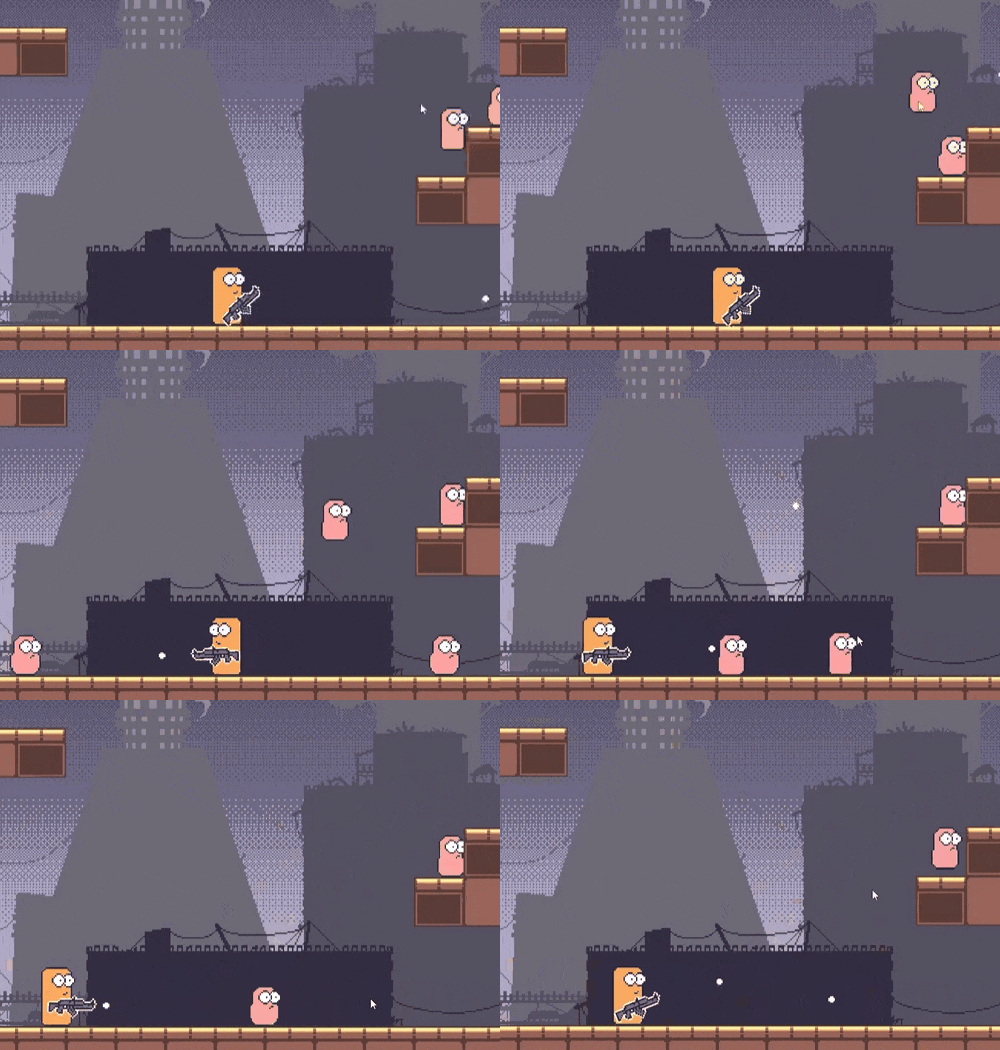
Fix the Game That Feels... Off.
Your game works. It just doesn't feel good to play, and you're not sure why. This course is built around exactly that gap: the systems and polish that take a functional game and make it satisfying, using screen shake, audio feedback, lighting and animation working together. Built on solid C# and Unity foundations, so if you've got the basics down, this is the next step.
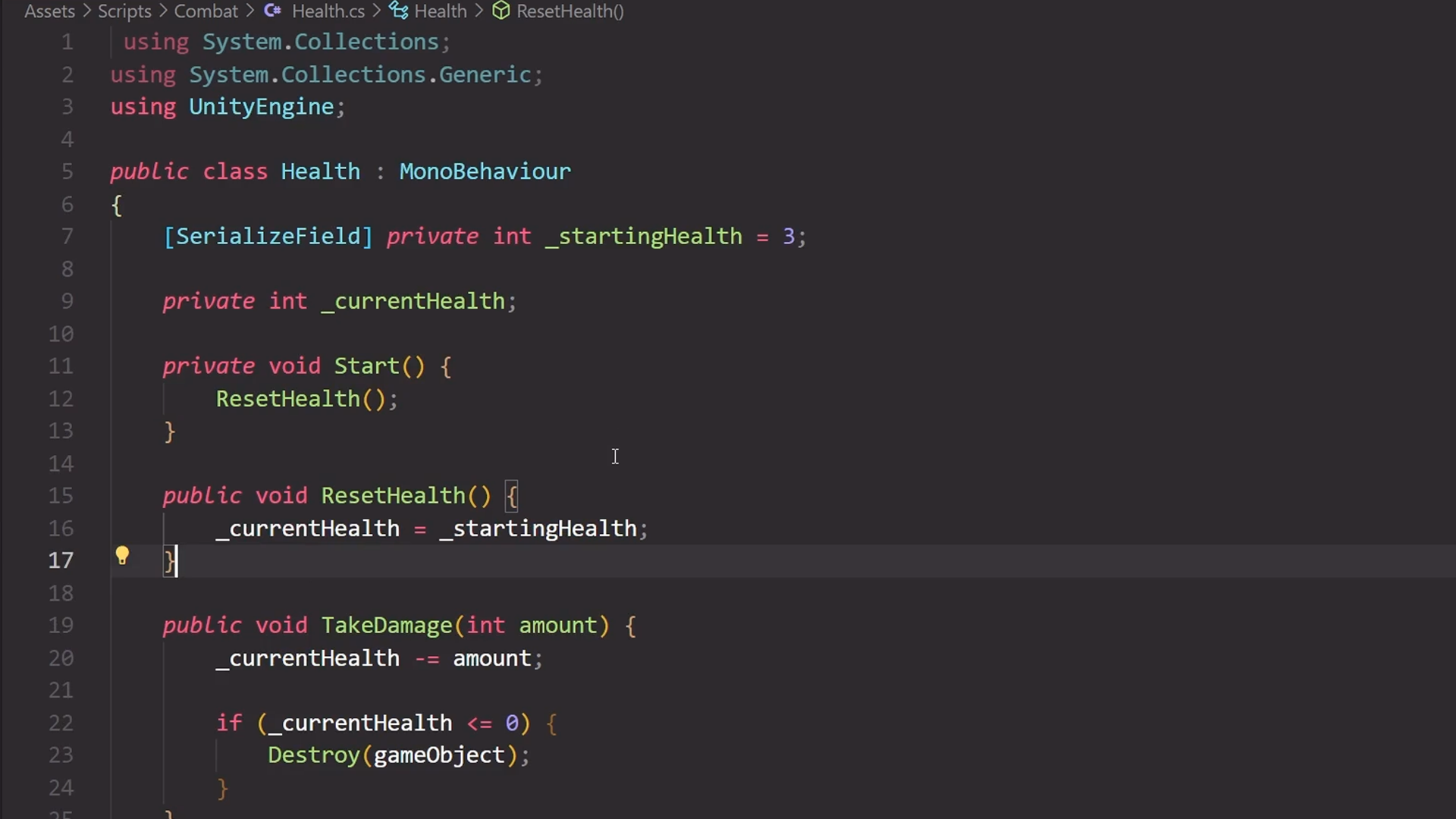
Refactor Your Way to Cleaner Code.
Spaghetti code works, right up until it doesn't. You'll level up your C# with structs, centralised input and interfaces, then refactor messy scripts into clean, scalable architecture using proper game design patterns. It's the unglamorous work that makes everything you build afterwards easier to expand instead of harder.
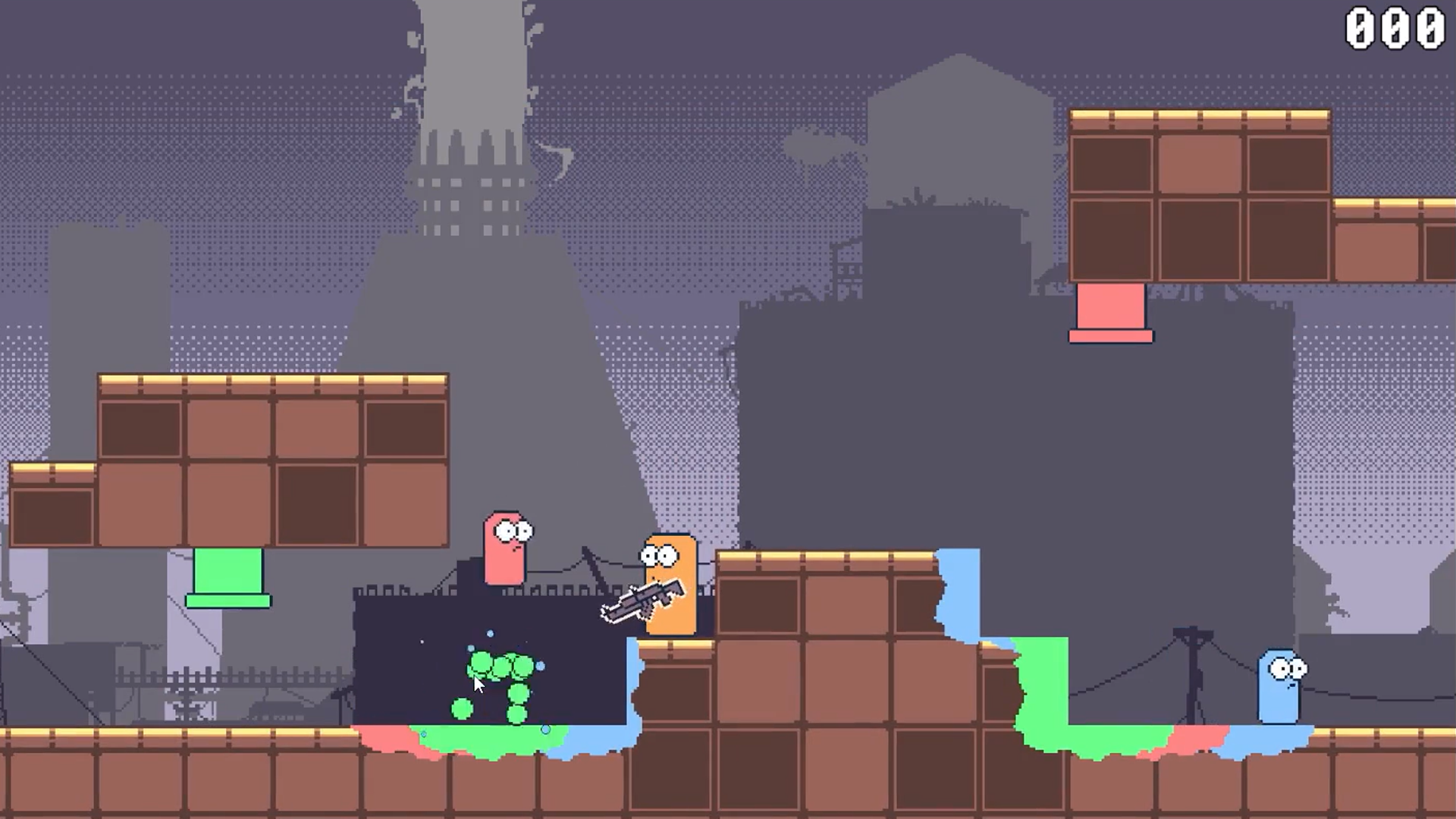
Build a Player Controller That Feels Snappy.
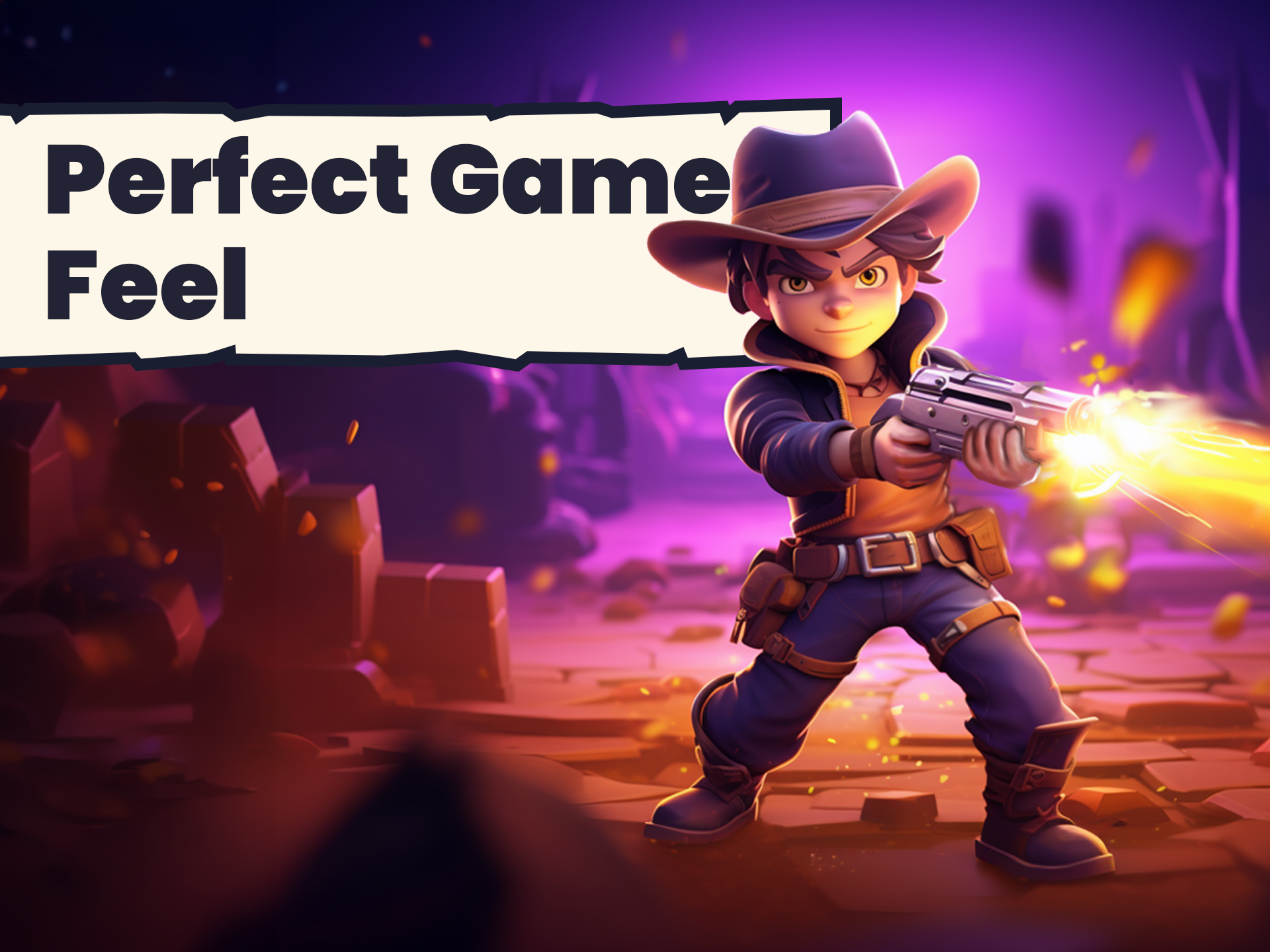
A sluggish controller ruins a game before the player even notices why. You'll code a player controller that responds instantly and feels genuinely smooth to move, then dial in your gunplay so shooting feels satisfying rather than flat. This is where "game feel" stops being an abstract idea and becomes something you can point to in your own build.
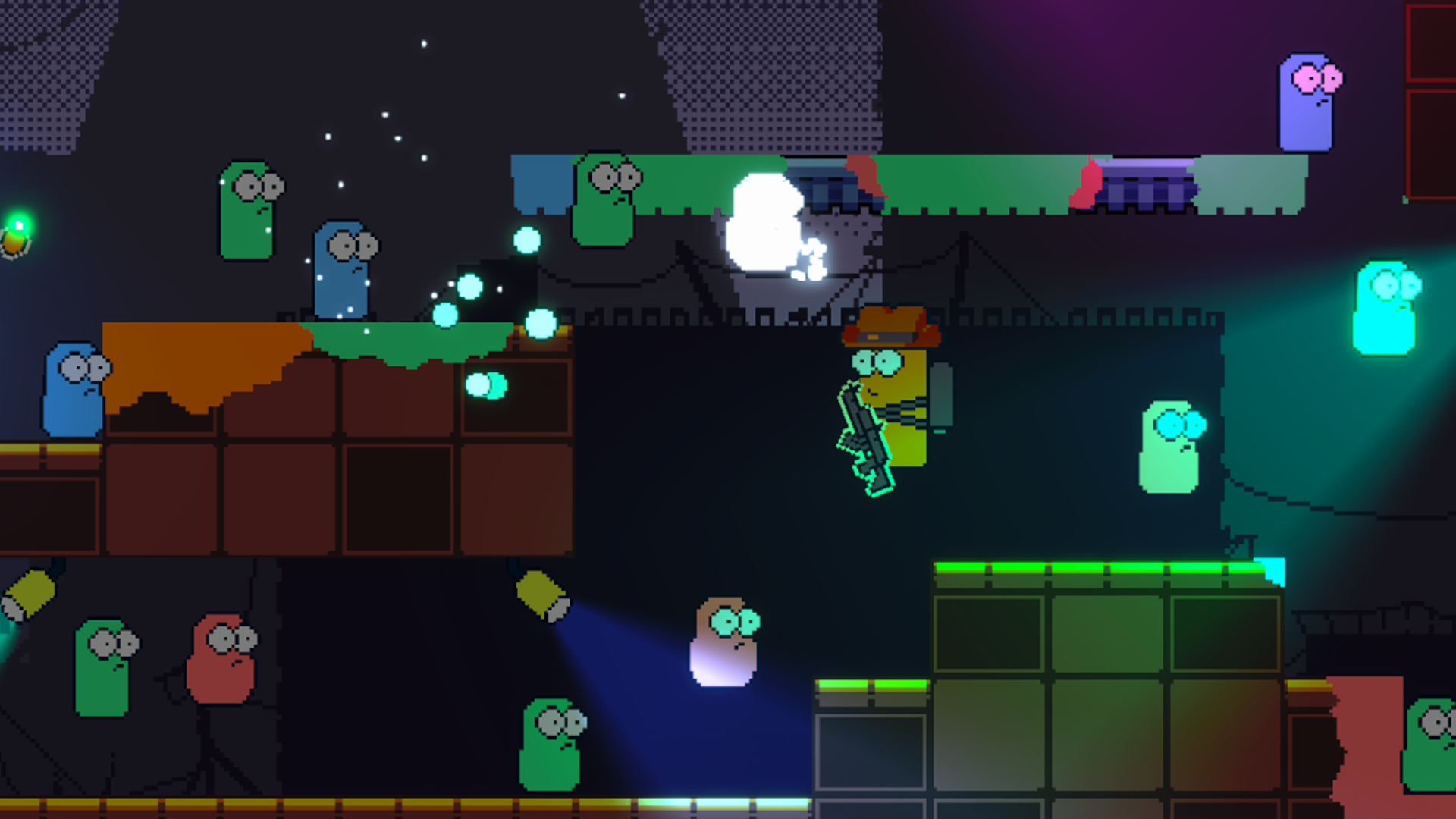
Layer In Effects That Sell Every Action.
Screen shake, particles, lighting: the feedback that makes a hit land. You'll add post-processing effects, 2D lighting and particle effects, then build tilemap prefabs and Unity events that make levels genuinely responsive to play. Each layer you add makes the game react a little more convincingly to what the player just did.
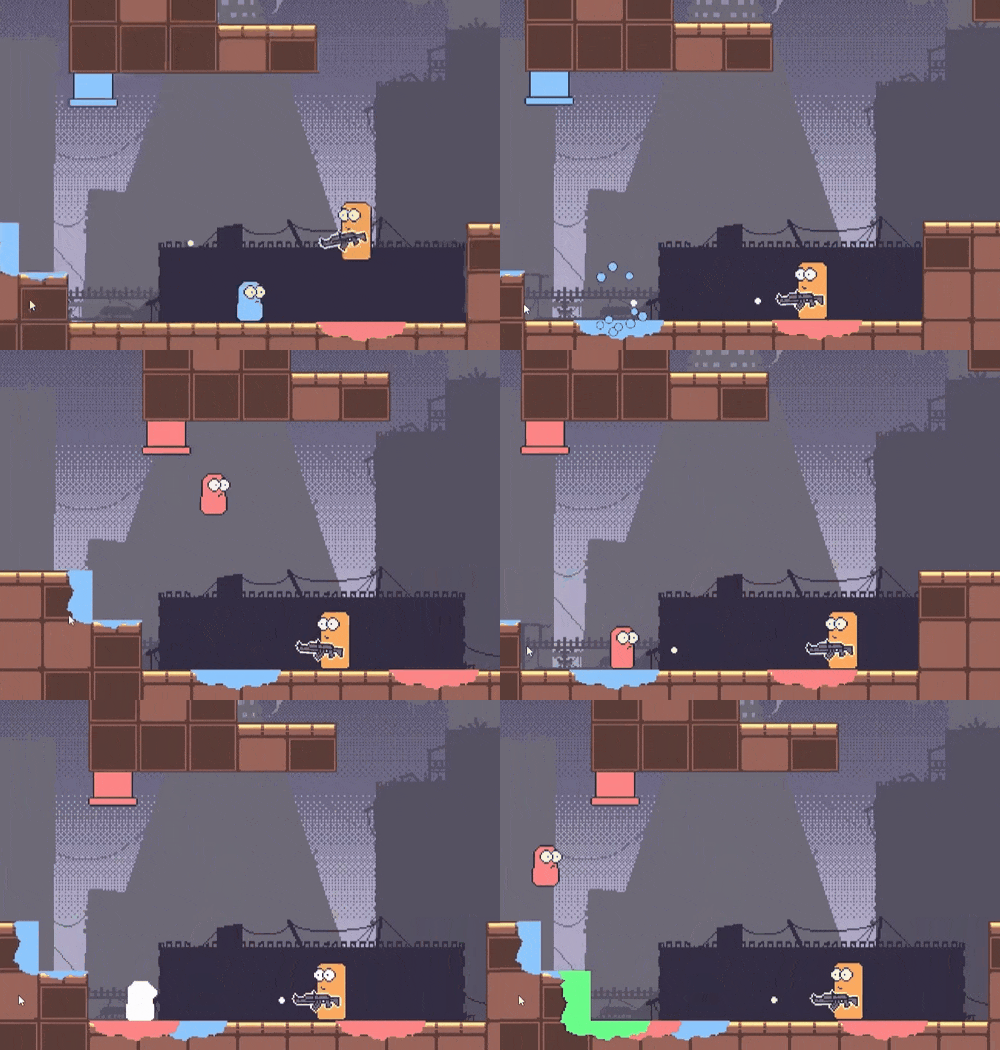
Give Your Game a Soundscape Worth Hearing.
Every hit, jump and explosion, backed by real audio feedback. You'll build a full Audio Manager system, an expandable setup you can reuse in future mid-sized projects, and wire it into everything else you've built: the controller, the gunplay, the effects. By the end your 2D side-scroller shooter has gone from a base template to a game that genuinely feels good to play, and you've got the systems to bring that same feel to whatever you build next.
What you’ll learn
Level up your C# game with killer structs, inputs, and interfaces.
Make your Unity scenes pop with epic screen shakes and slick effects.
Illuminate your worlds with next-level 2D lighting and particle wizardry.
Craft an Audio Manager that cranks up the soundscapes to 11.
Code a snappy player controller that feels as smooth as a speedrun.
Dial in your gunplay for that satisfying blaster feedback.
Deploy Unity’s tilemaps and events for gameplay that hooks players.
Refactor your spaghetti code into clean, scalable game architecture.
30 Day Money-Back Guarantee
100% refund, no questions asked.Lifetime Access
Access your content on any device, at any time.Teaching Support
Never get stuck with our teaching assistants on call.About the course
Ever feel that your game just doesn’t feel quite right?
Learn how to fix that by implementing a bunch of fun systems, mechanics and effects to enhance the way your game feels from a player perspective!
Building upon solid C# and Unity foundations, it’s time for you to level up.
Increase your C# understanding, learn how to implement things like a struct, centralized input, interfaces, and several game design patterns.
And expand on your Unity knowledge by learning screen shake, post-processing effects, 2D lighting, particle effects, tilemap prefabs, masking, Unity events, and much more!
Plus, you’ll build an expandable Audio Manager system that can be used in other mid-sized scalable projects.
You’ll start with a simple 2D side scroller shooter base template and expand on it to get things feeling the way they should.
You’ll make a game that “feels” fun to play with a clean and snappy player controller, a gun that’s fun to shoot, audio and screen visuals to give your player feedback, as well as animations to bring everything together.
This course is suitable for all levels of Unity users. So if you’re a beginner to intermediate Unity developer looking to expand your foundation knowledge, maybe you’ve taken our beginner 3D or 2D courses and are looking for the next step, or you’ve used Unity to participate in a game jam or two and are looking to take your projects and games to the next level, this is the course for you!
So enroll today and get your game feeling just right!
Curriculum
Instructors

Stephen Hubbard
Hi, y’all! I’m Stephen, fancy seeing you here.
My earliest memories of game design are from my childhood creating custom rules and splicing together board games with my friends. While game development got away from me in adulthood, I’ve reignited my passion for game dev in the past few years.
I’ve fallen into the endless pit of learning all things indie game dev - and I’m absolutely obsessed. Whether it's leveling up my programming ability, learning a new vfx trick inside Unity, or flexing my art skills in Blender or Asperite, there's always something new to learn!
Other hobbies include hiking with wife and son in the Utah mountains, finding a new video game to obsess about, and pretending to be good at poker.