How to - Basic Pause System in Unity
That's it! Stickman Rick is ready to show his moves even when the game is paused! Creating a Pause system can be a little intimidating and confusing, just try to remember the following tips; * Disable the necessary inputs when the game is paused. for a Challenge! In the spirit of the GameDev.
Having trouble creating a Unity pause menu? GameDev.tv Unity student and forum Master Problem Solver, Miguel, is here to help!
Creating a Pause menu is one of those things I didn't know how complicated it was until I tried it, many claim it's really simple, but I disagree, specially in 2D games.
As you have probably seen all over the internet, to pause a game you only need to set Time.timeScale to 0, which in theory is right, so, let's try that and see how everything goes. I already have a small game with a character that shall be named Stickman Rick. Stickman Rick can move, jump and turn into Super Stickman Rick with the press of a button (I know that's "op", let the Game Designer deal with that).
 Stickman Rick running wild in the plains.
I want to give the player the ability to pause the game when pressing the escape key...
Wait! Can you sense it? It's time... for a Challenge!
In the spirit of the GameDev.tv courses, I'll be challenging you throughout this tutorial. Here you can download the project I'm using so you can follow along. Create a new Unity Project and simply drag and drop the package.
Hints
- Create a new Script called PauseSystem.
- When pressing the Escape key, set the Time Scale to 0.
- Attach the script to any object in the scene and test it.
The code should look similar to this:
void Update()
{
    if (Input.GetKeyDown(KeyCode.Escape))
    {
        Time.timeScale = 0;
    }
}
This will surely pause Stickman Rick's endeavours, but this won't help him get back to his task. The player should be able to unpause the game, for that we need to implement an "if" statement, or even better, a Ternary Operator.
//        1                          2                 3   4
Time.timeScale = Time.timeScale <= Mathf.Epsilon ? 0 : 1;The Ternary Operator behaves as an "if" statement but written in a single line.
Usually a game has a Pause Menu, the project already has one, we only need to activate or deactivate accordingly.
First; I don't like that Mathf.Epsilon, let's change that to a bool that serves as a state, that way we'll be able to have more control.
Challenge Time and Hints!
In the "PauseSystem" script:
- Create a bool variable named "isPaused".
- Add a GameObject variable named "pauseMenu" that shows in the inspector.
- Set the value of the previously created "isPaused" variable.
- Enable or disable the "pauseMenu" game object accordingly.
 Your Pause Menu should look like this.
[SerializeField] GameObject pauseMenu = null;
bool isPaused;
void Update()
{
if (Input.GetKeyDown(KeyCode.Escape))
{
isPaused = !isPaused;
Time.timeScale = isPaused ? 0 : 1;
pauseMenu.SetActive(isPaused);
}
}
This definitely works like a pause system, but in reality, it's not working yet, there are 3 bugs that need our attention. Did you find any?
 Pressing the Jump key multiple times while the game is Paused makes Stickman Rick fly.
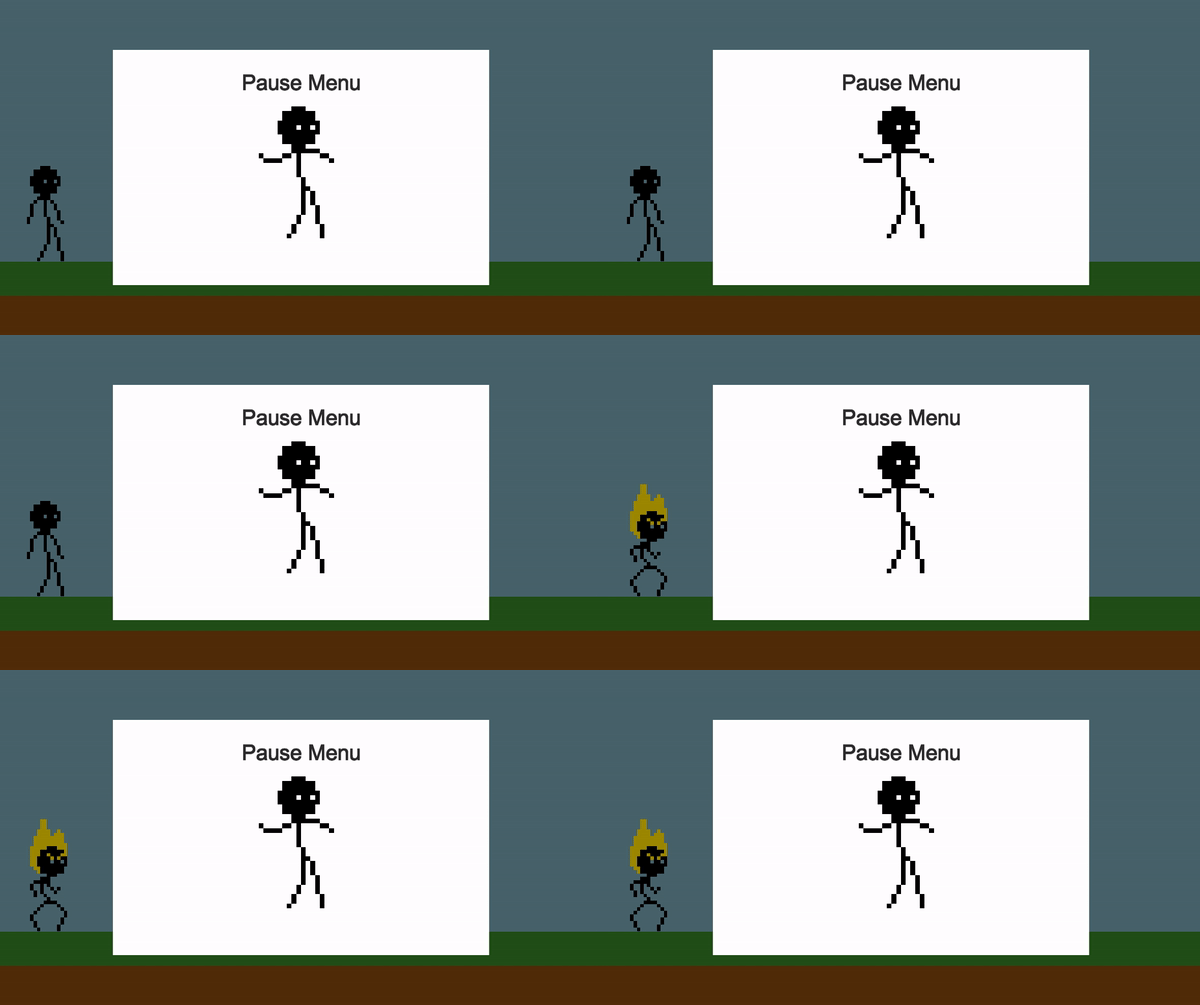 You can turn into Super Stickman Rick even when the game is Paused! That's OP!
Why does this happen?
Time Scale does not slow execution, this means that your code is still running. When the player presses the jump key, the code will apply a force to Stickman Rick, if the game is paused and the player presses the jump key it will still apply the force, press the button multiple times and the code will apply a force the amount of times the key was pressed making Stickman Rick fly when unpausing the game.
The Super Stickman Rick animation plays because when you set an animation without a transition or exit time it will transition to the next state if the conditions are met regardless of the Time Scale. This is a very common issue in 2D games.
To fix this we need to know if the game is paused and prevent the input from occurring. In our "PauseSystem" script we need a new function that returns the value of our bool "isPaused".
public bool GetIsPaused() { return isPaused; }We need a way to access in our Stickman Rick controller the function we just created and then prevent the input from happening if the game is paused.
private void Awake()
{
pauseSystem = FindObjectOfType<PauseSystem>();
}
void Update()
{
if (pauseSystem.GetIsPaused()) { return; }
}
We are almost done. There's a third issue with the pause system we need to fix before we call it a day.
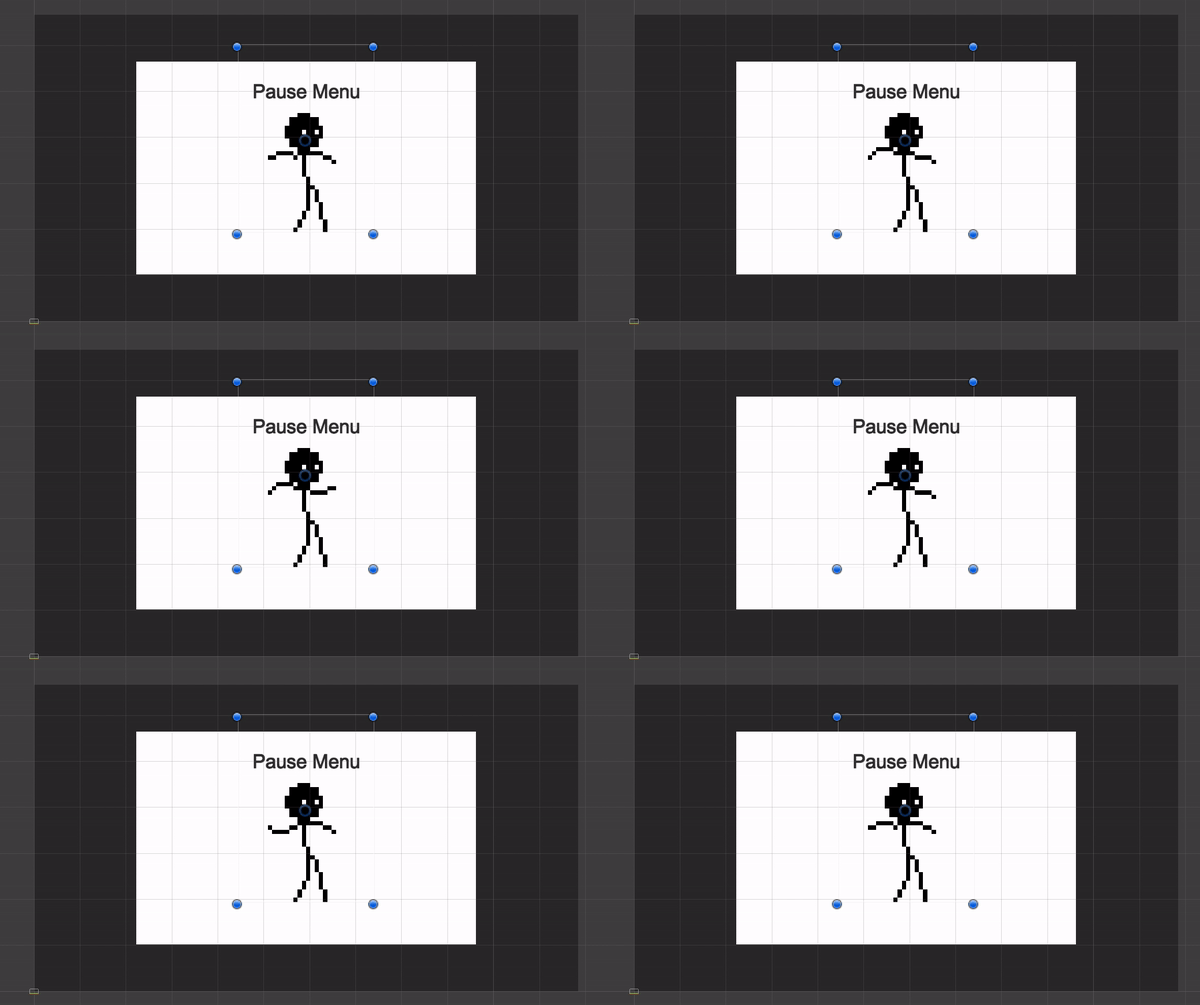 Stickman Rick showing his moves in the Pause Menu. This cannot happen if the Time Scale is set to 0.
If you need animations to play when the Time Scale has been set to 0 you only need to change a property in the animator component.
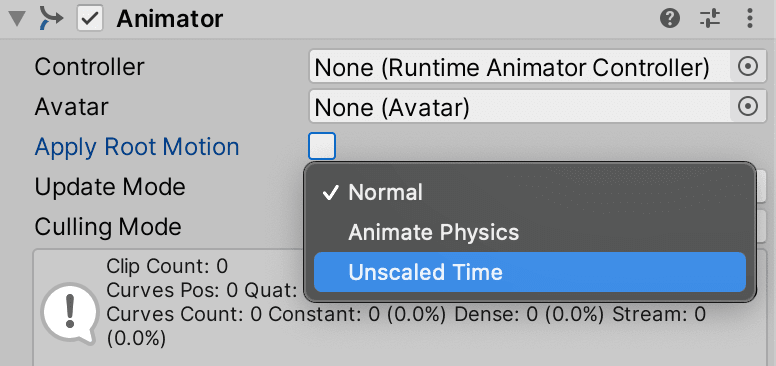
Set the UI Animator Controller's Update Mode to Unscaled time. That's it! Stickman Rick is ready to show his moves even when the game is paused!
Creating a Pause system can be a little intimidating and confusing, just try to remember the following tips;
- Disable the necessary inputs when the game is paused.
- Set the Animators' Update Mode to fit your needs.
Hope you liked this small tutorial.
You can download the finished project here.


